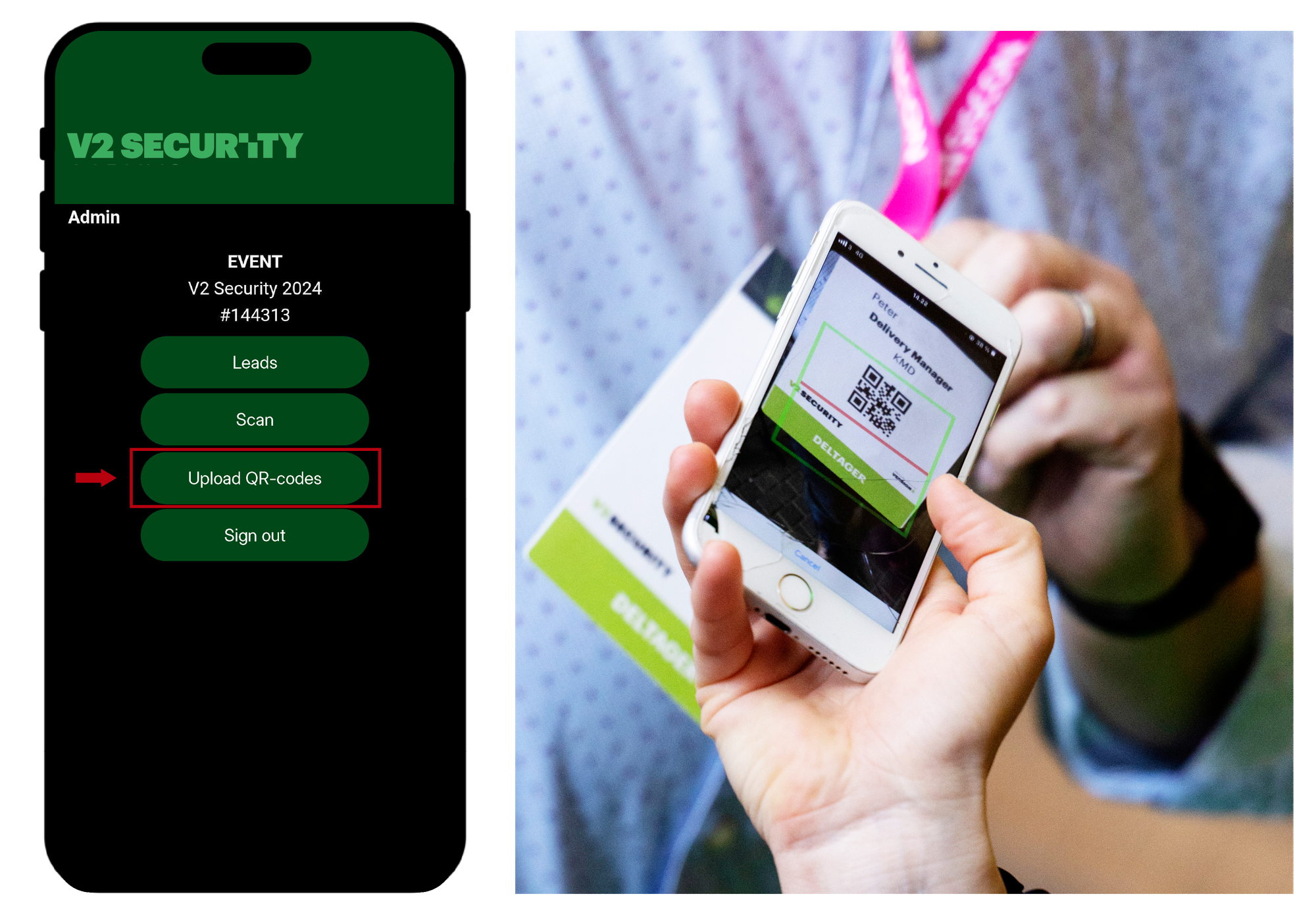
V2 Security CPH 2026
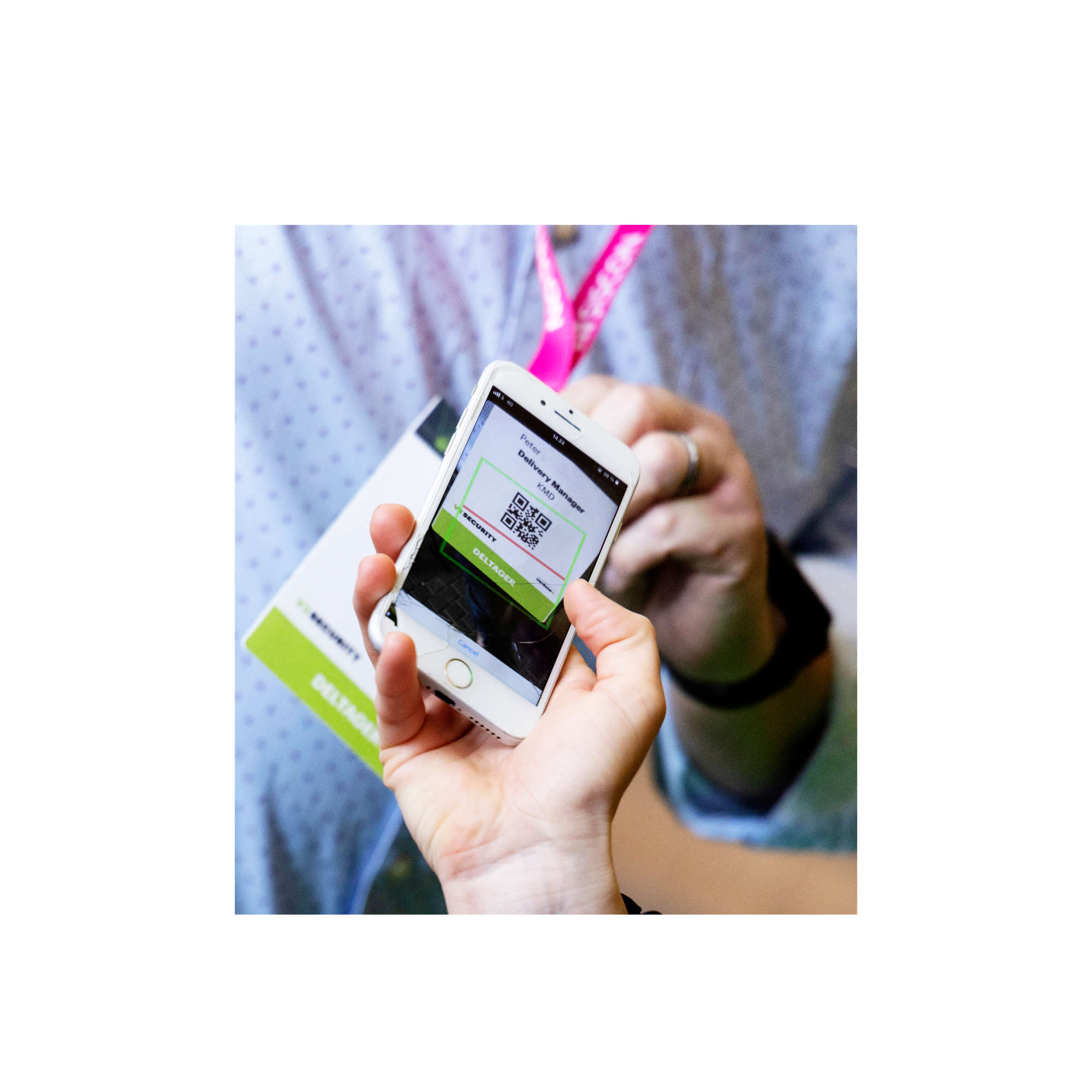
Start
We recommend logging in to the lead scanner via a smartphone or tablet when you want to scan leads.
Use the link and password you have received from your coordinator to be directed to the lead scanner.
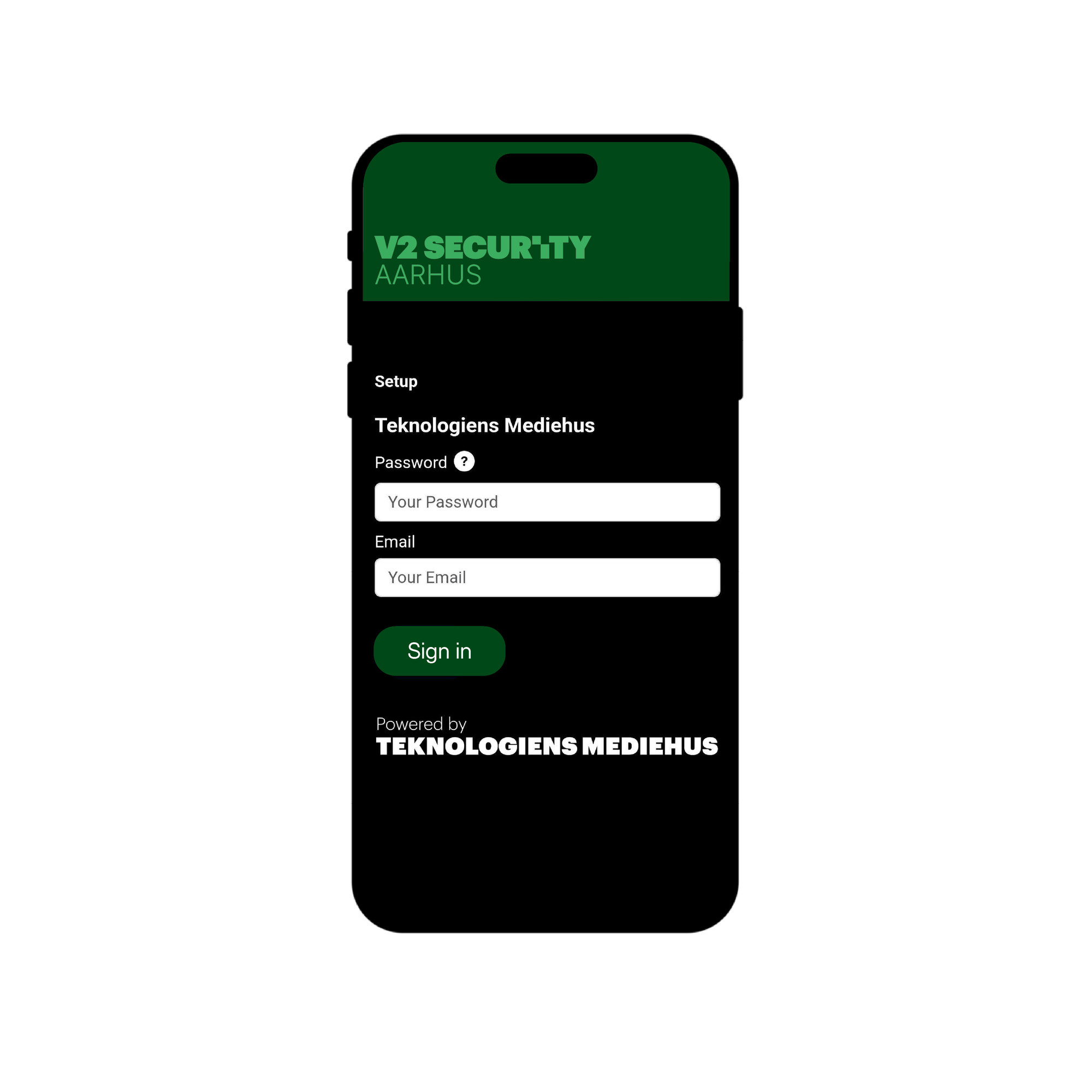
Log in
Log in with your email and the password you have received from the coordinator.
Note: There are 3 licenses included in the participation package. If you need more licenses, please send an email to: exhibitor@v2security.dk
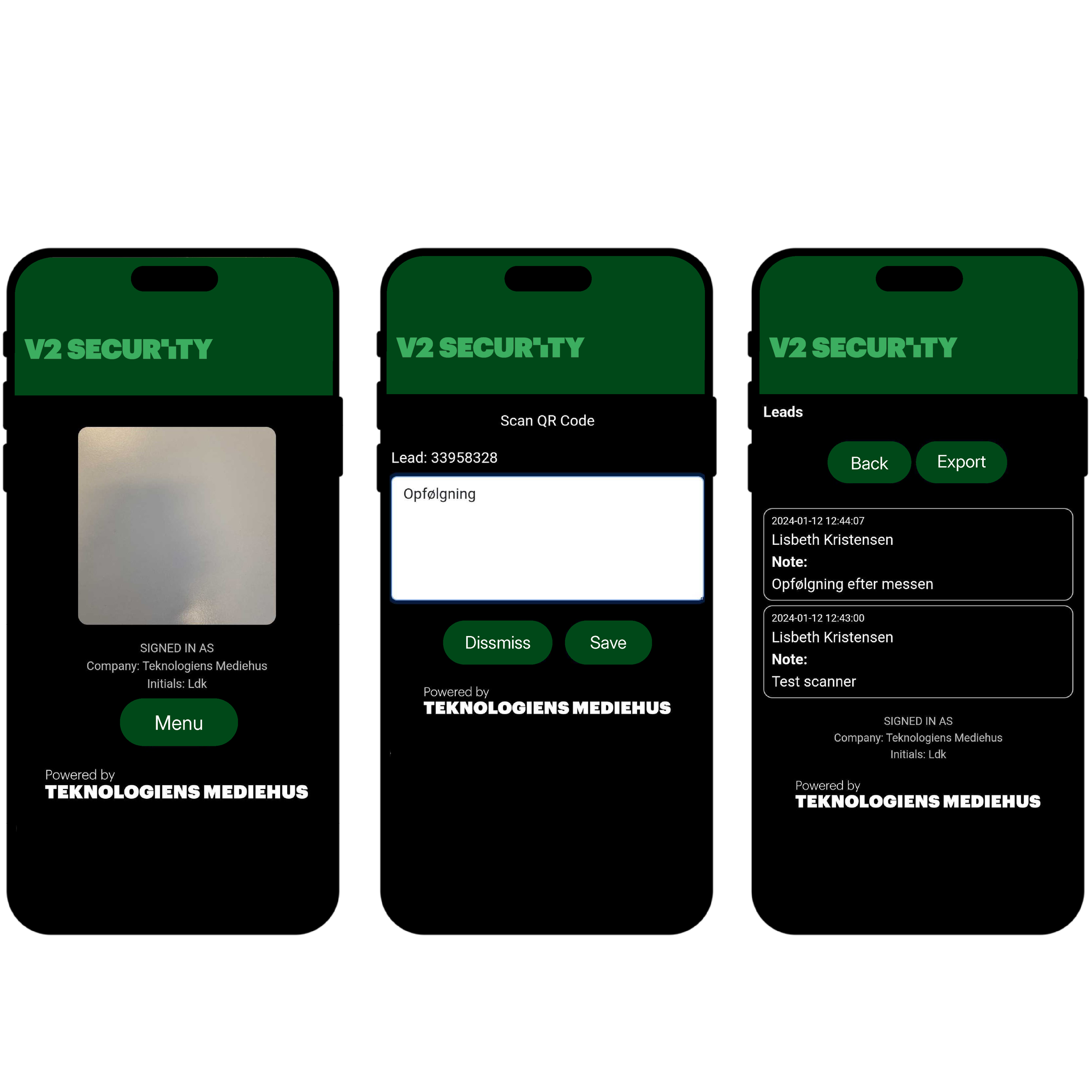
Scan leads
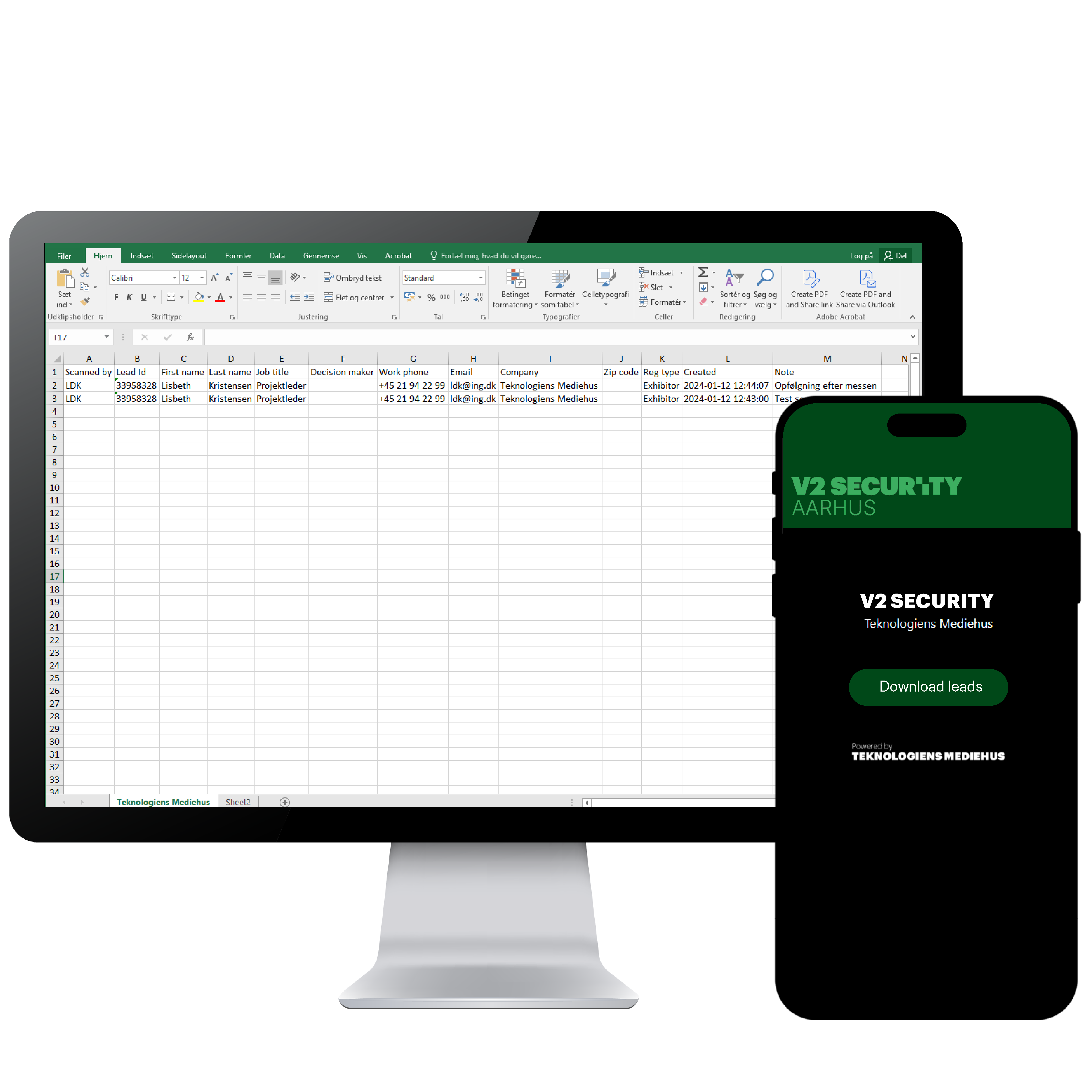
Export leads
When you have finished scanning your leads, you can export them to Excel.
For this, we recommend logging in using a computer.
1. When you export the Excel file, it will contain all leads that both you and your colleagues have scanned.
3. All leads will be deleted three months after the V2 Security Aarhus event.