
V2 Security Copenhagen 2026
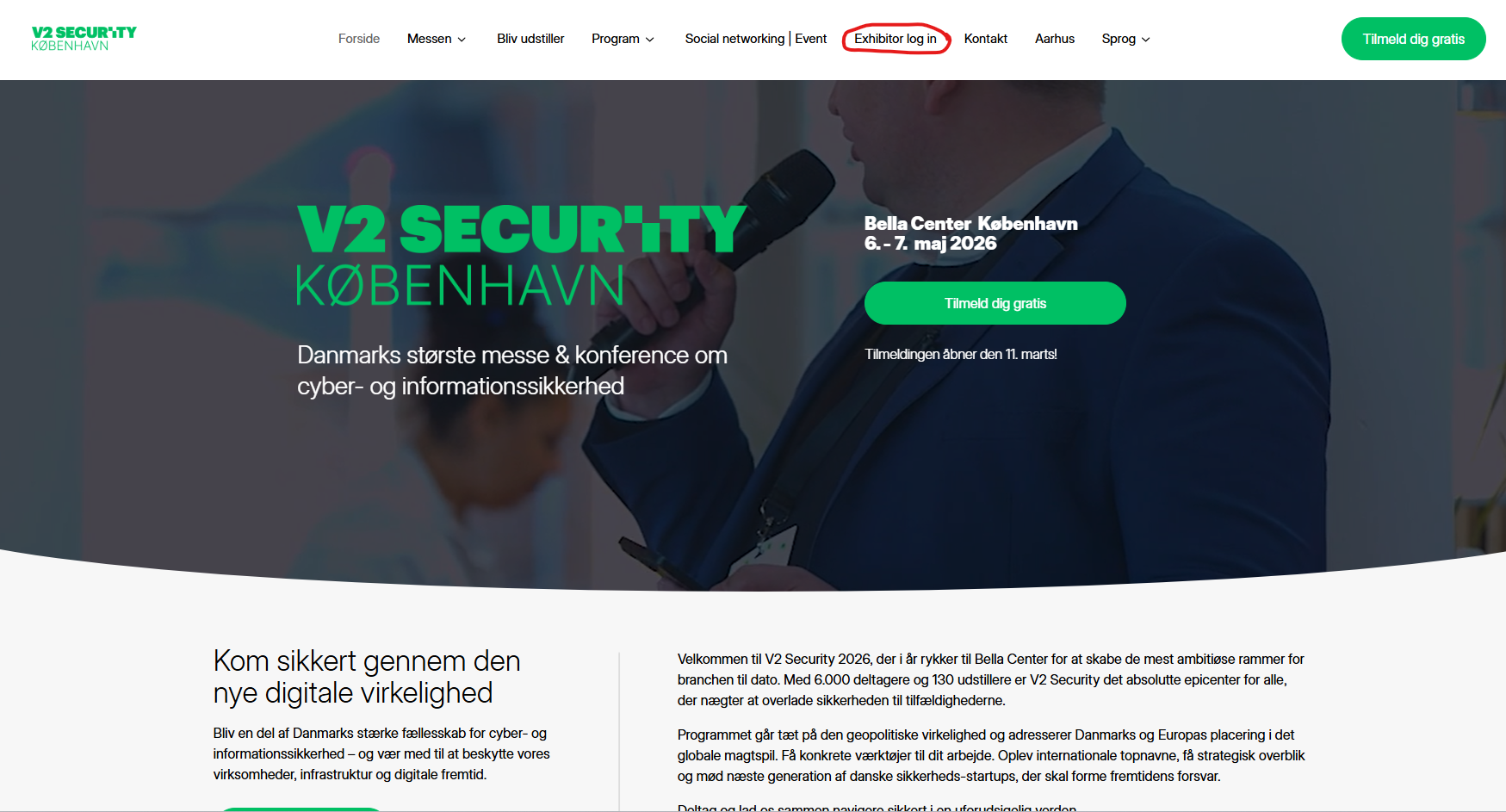
Website
Go to website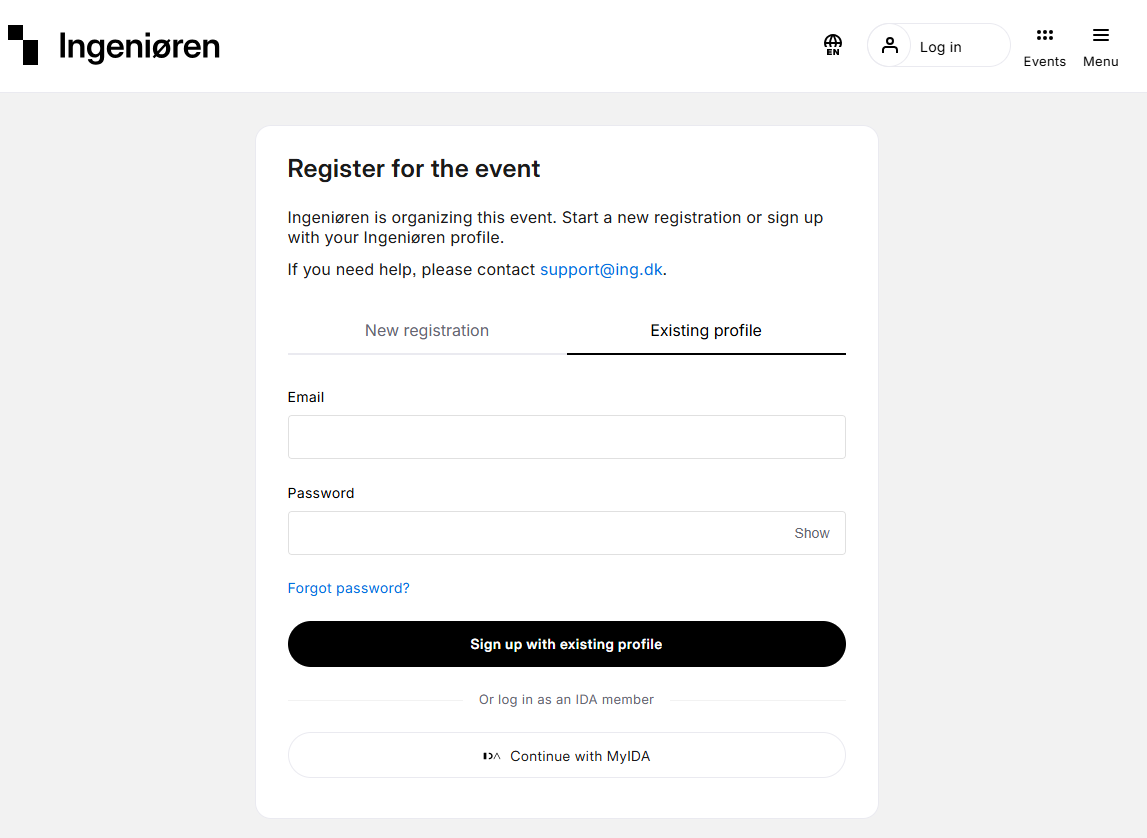
Log in
Log in via Ingeniøren
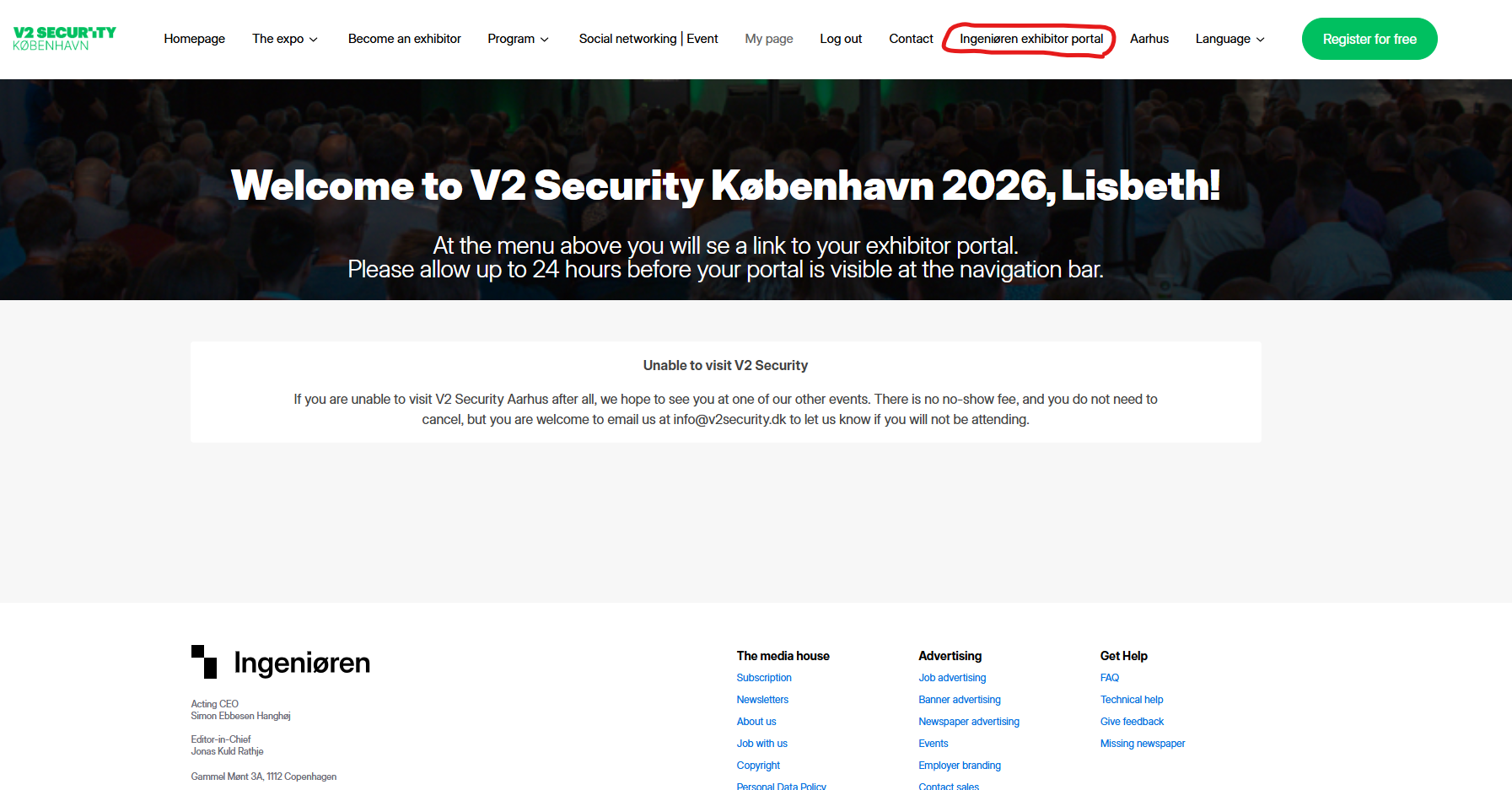
Exhibitor portal
When logged in go to “[Company name] exhibitor portal”.
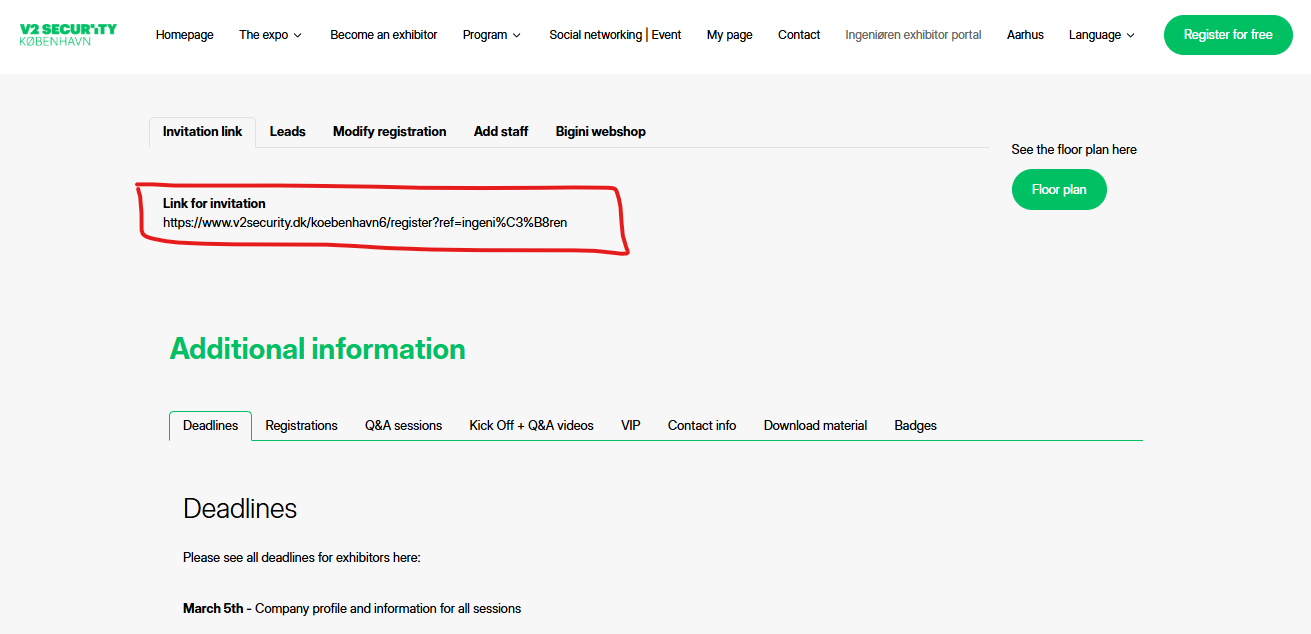
Invitation link
In the first tab you will se your invitation link.
Overview
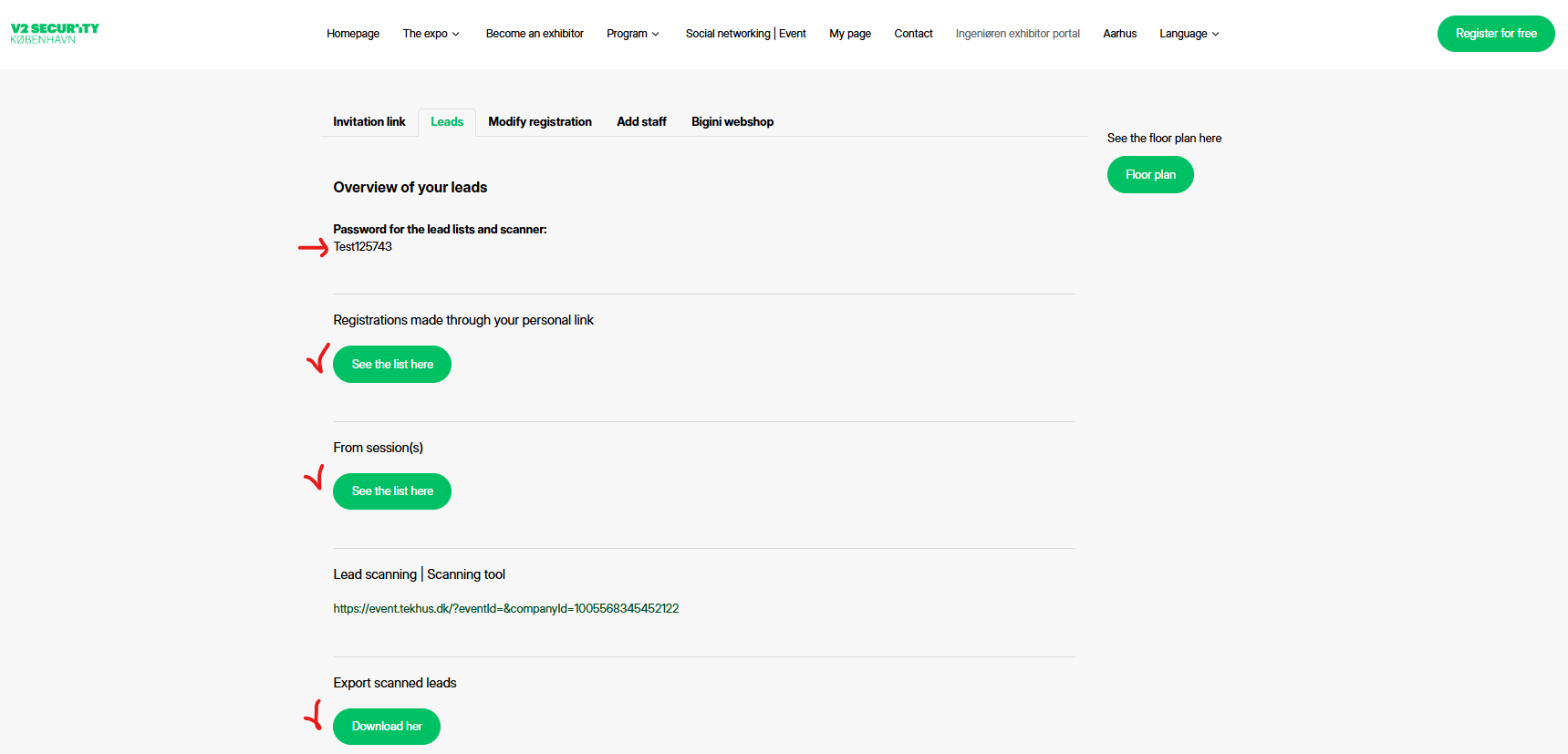
1. Open the "lead" tab.
2. Here you can see all your lead lists and the password for them (marked with arrow).