V2 Security Copenhagen 2026

Website


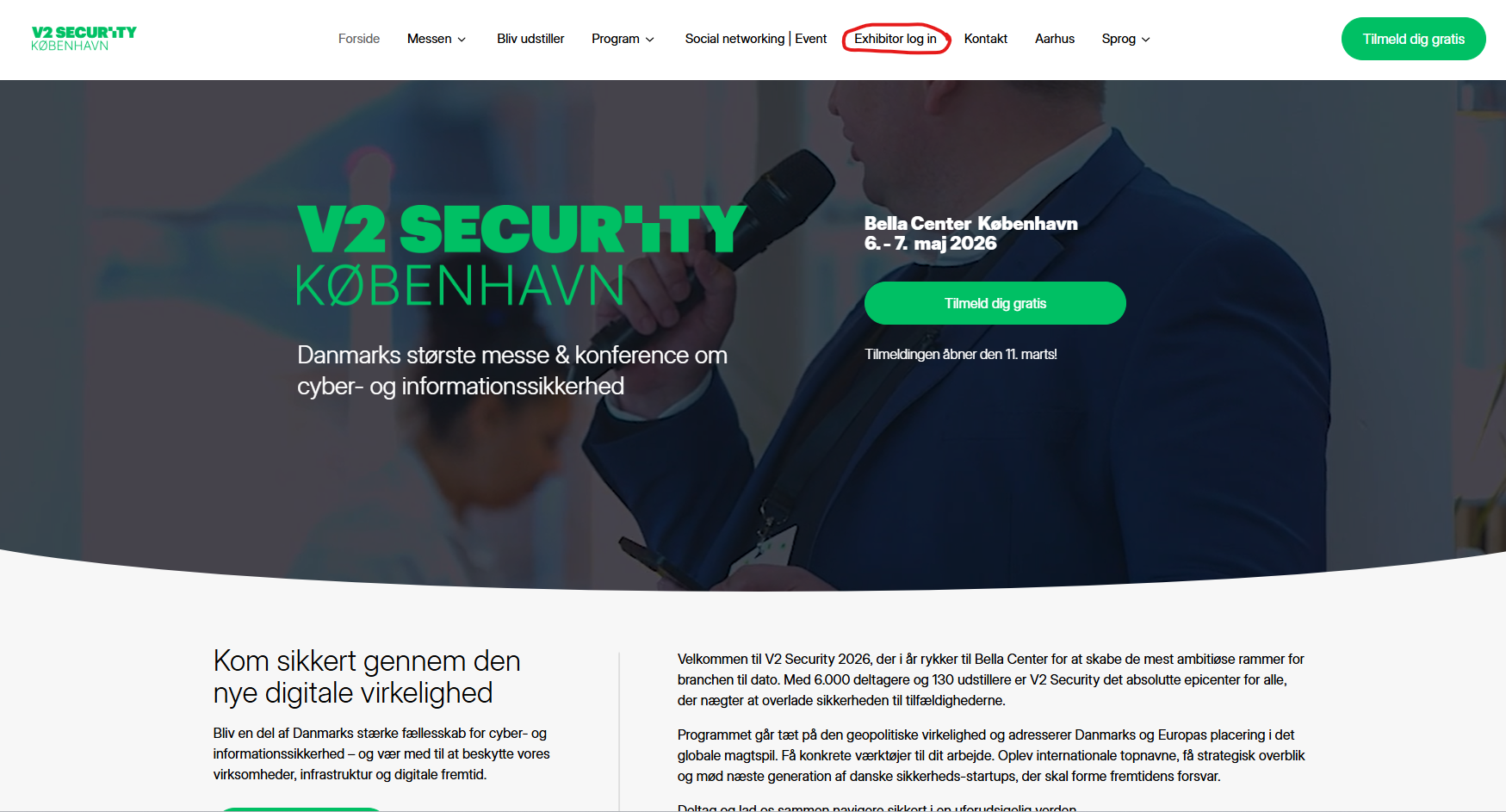
1. Go to the website and choose Copenhagen or Aarhus in the navigation bar.

2. Click on “Exhibitor log in” in the top navigation bar.

Go to website

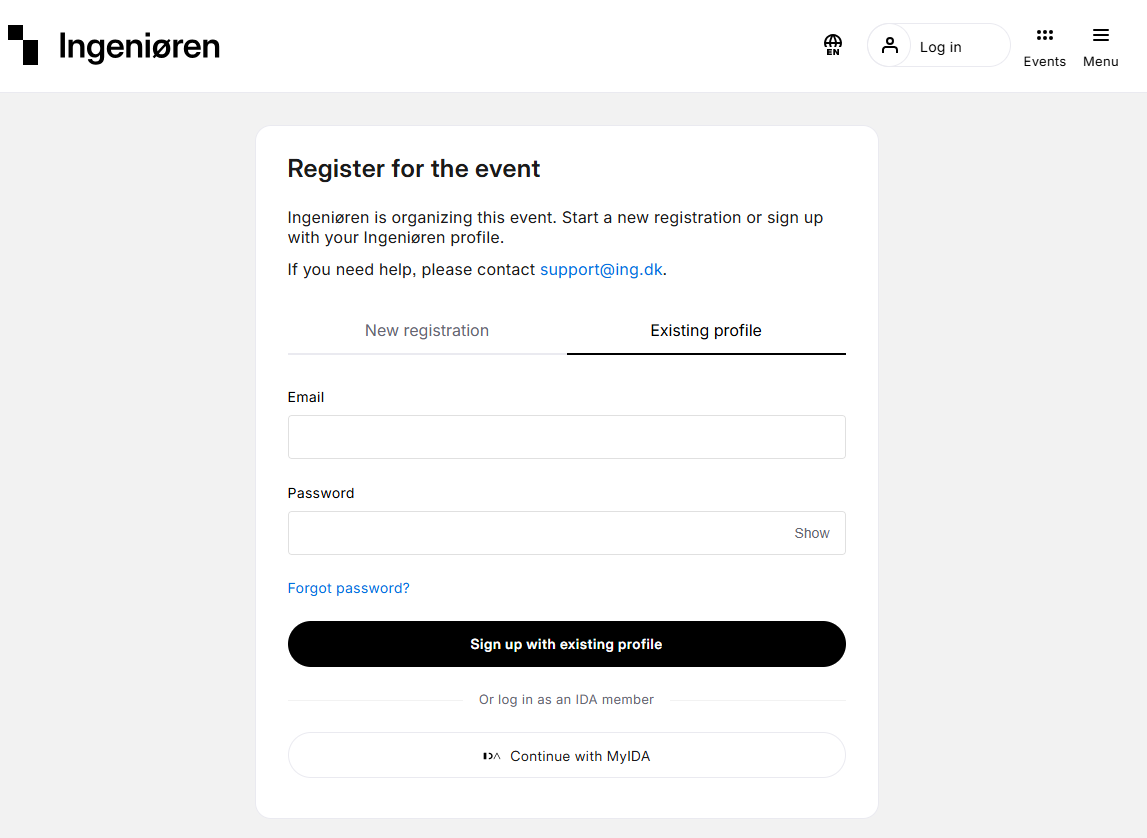
Log in


Log in via Ingeniøren
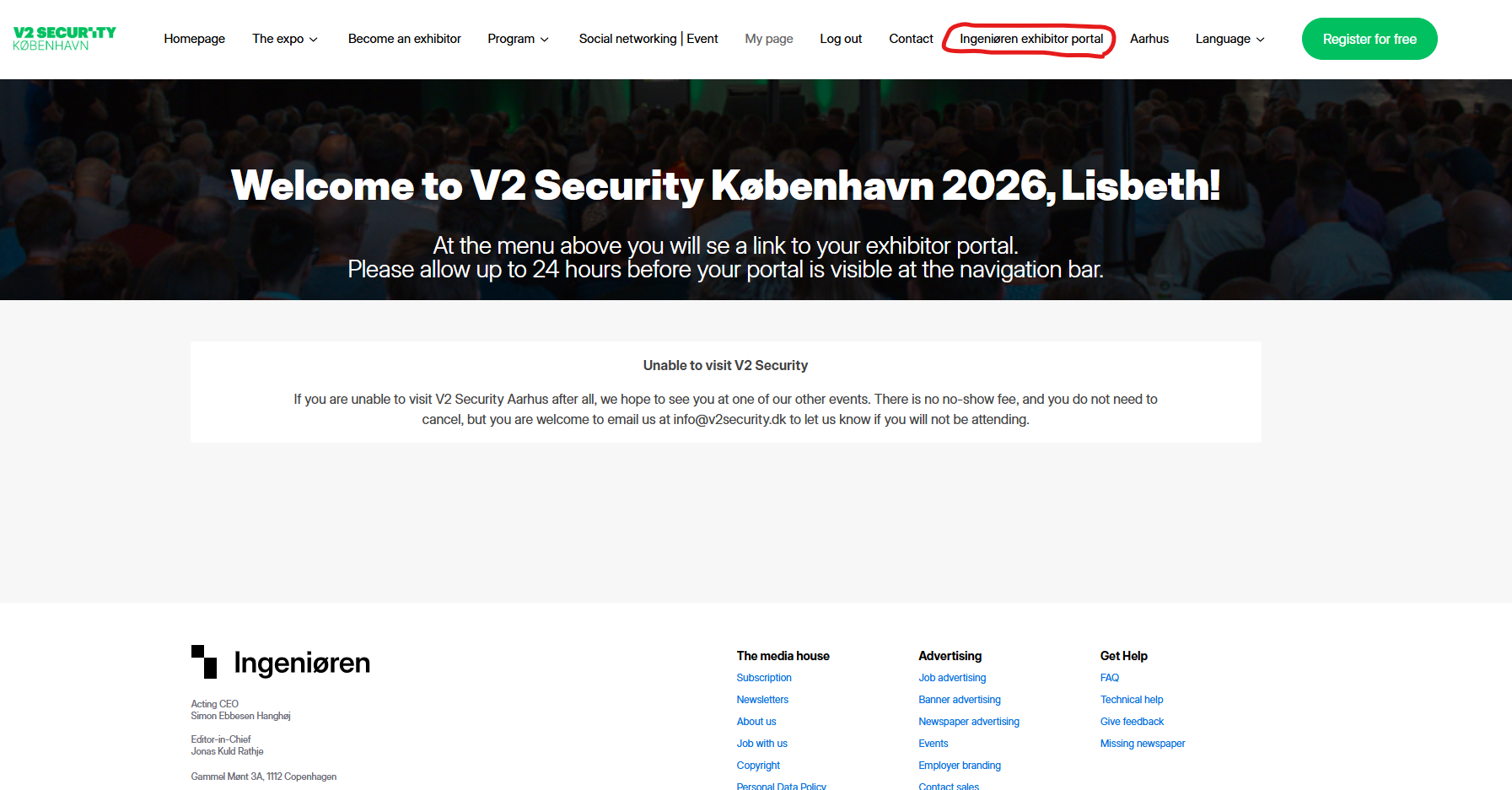
Exhibitor portal


When logged in go to “[Company name] exhibitor portal”.
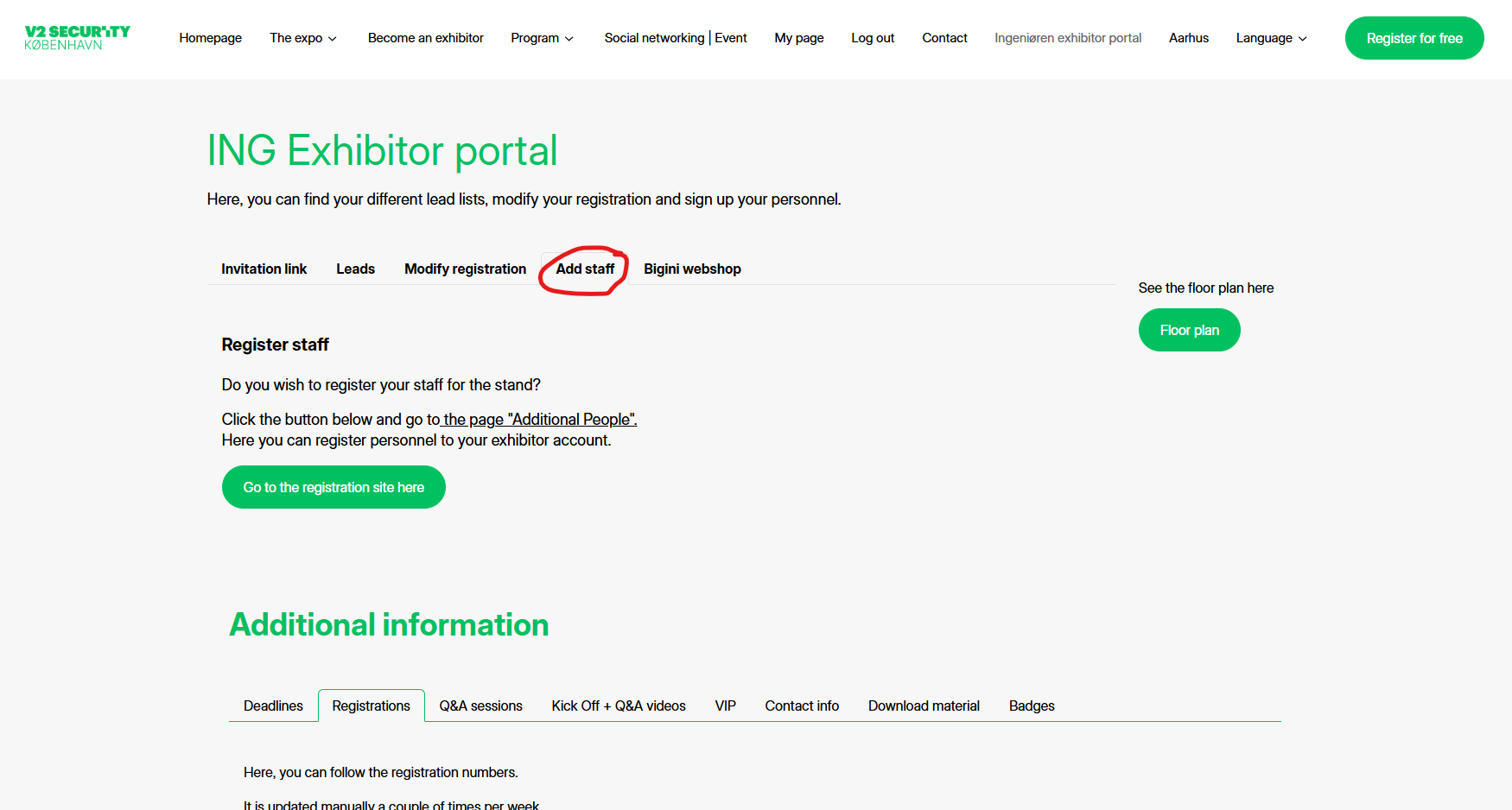
Add staff
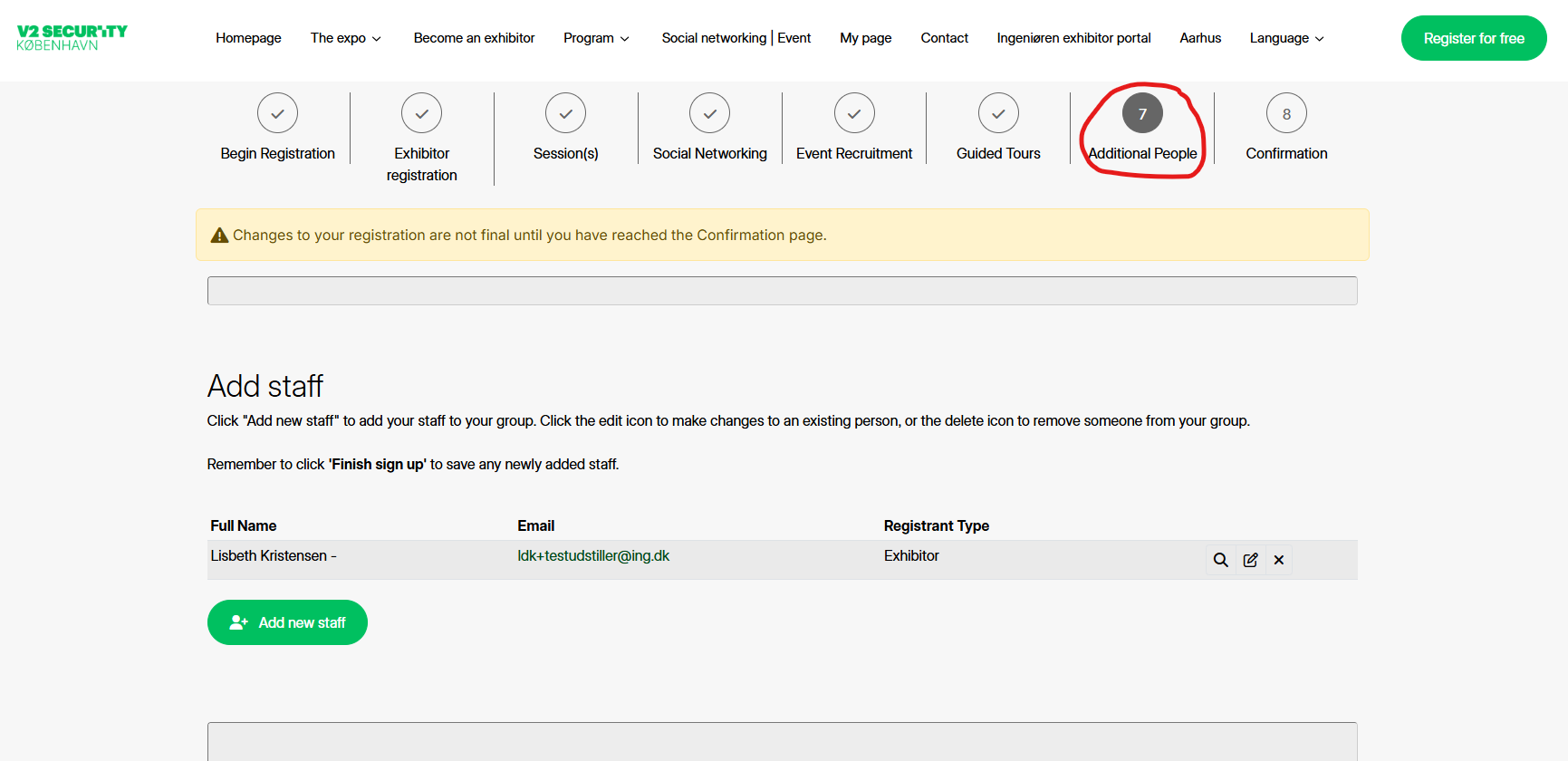

1. Open the "add staff" tab.

2. Click on the button "Go to the registration site here".

Additional people

Go to step 7 "Additional people".
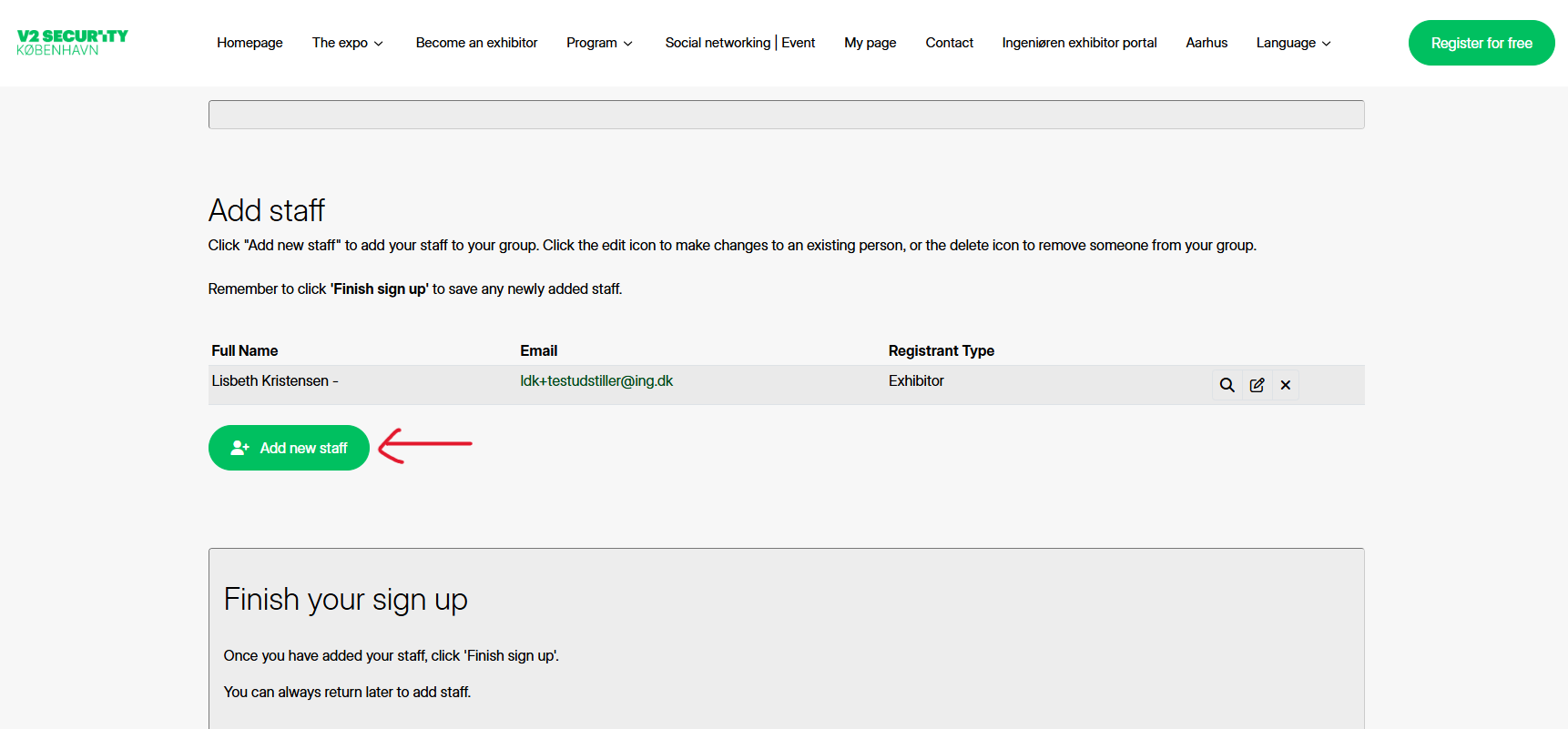
Add staff

Click “add new staff” and enter info on your colleague.
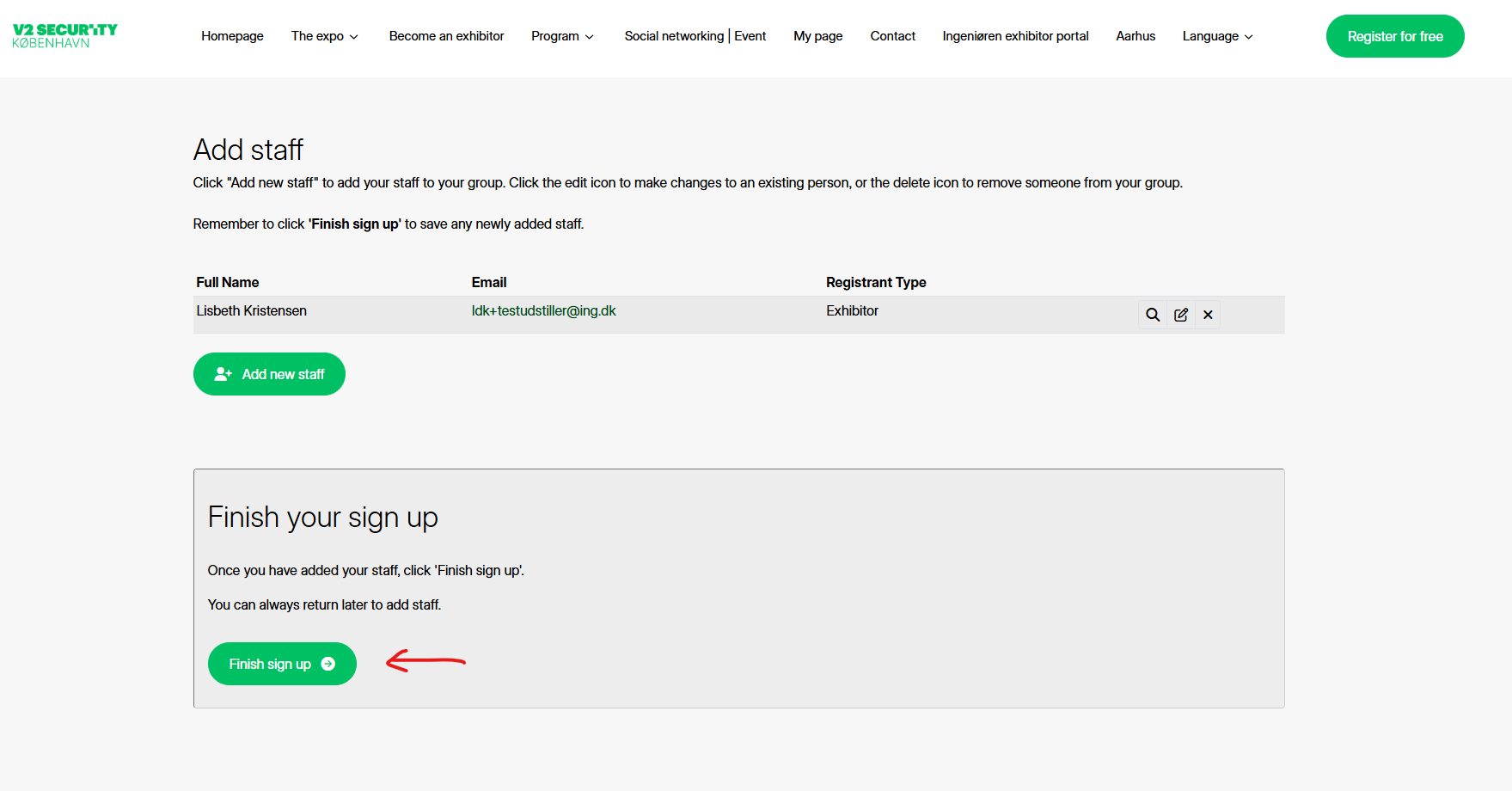
Finish

When you are done adding colleagues, click on “finish sign up” button.

Your changes are now saved.