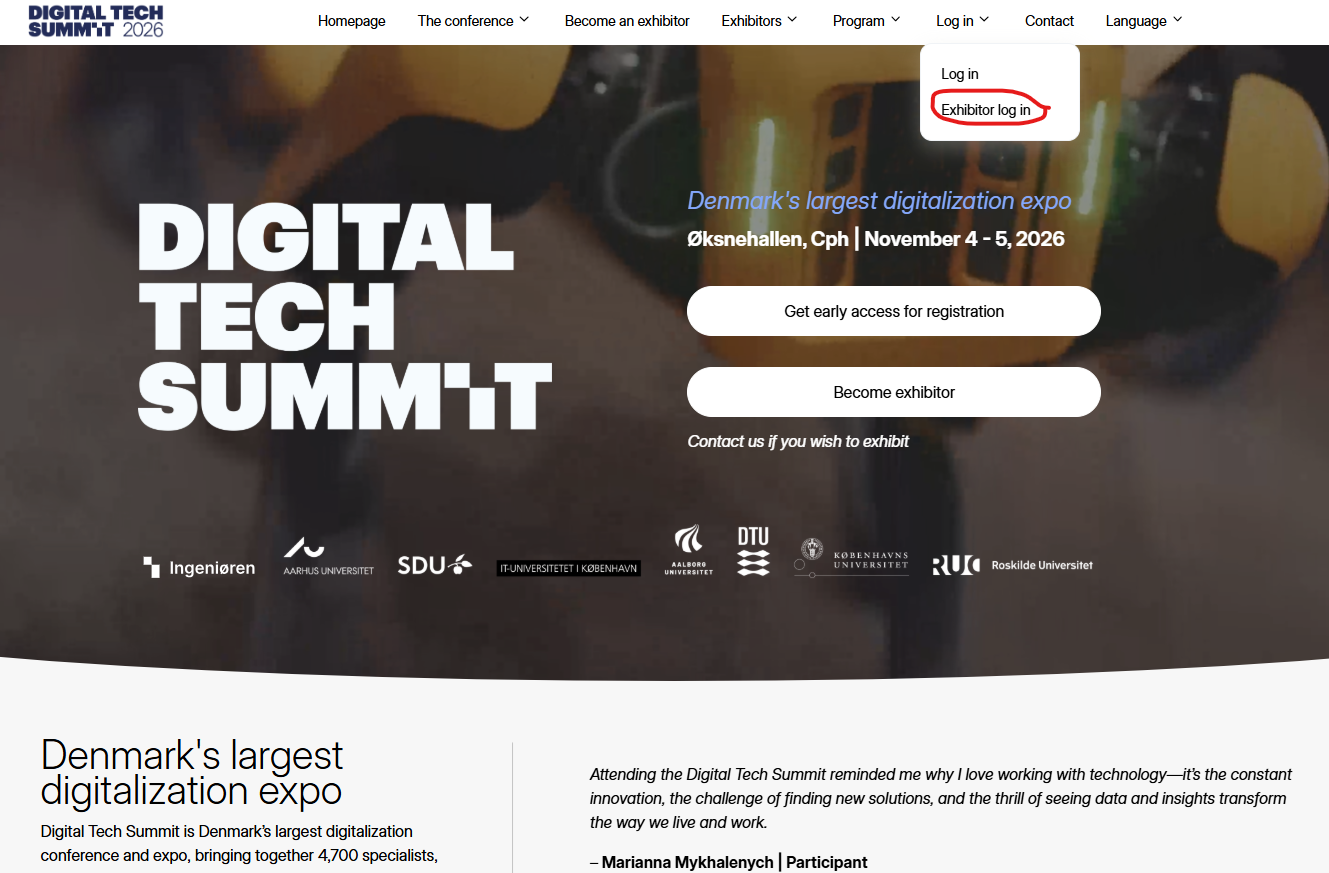
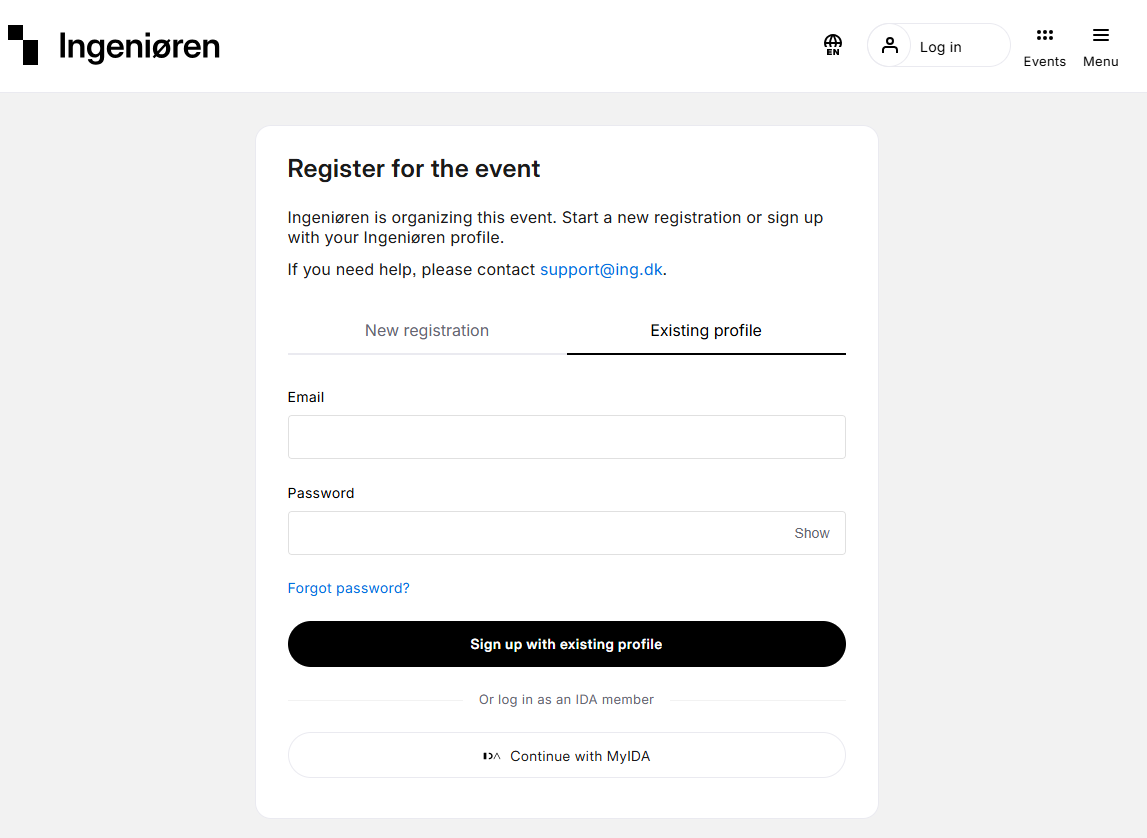
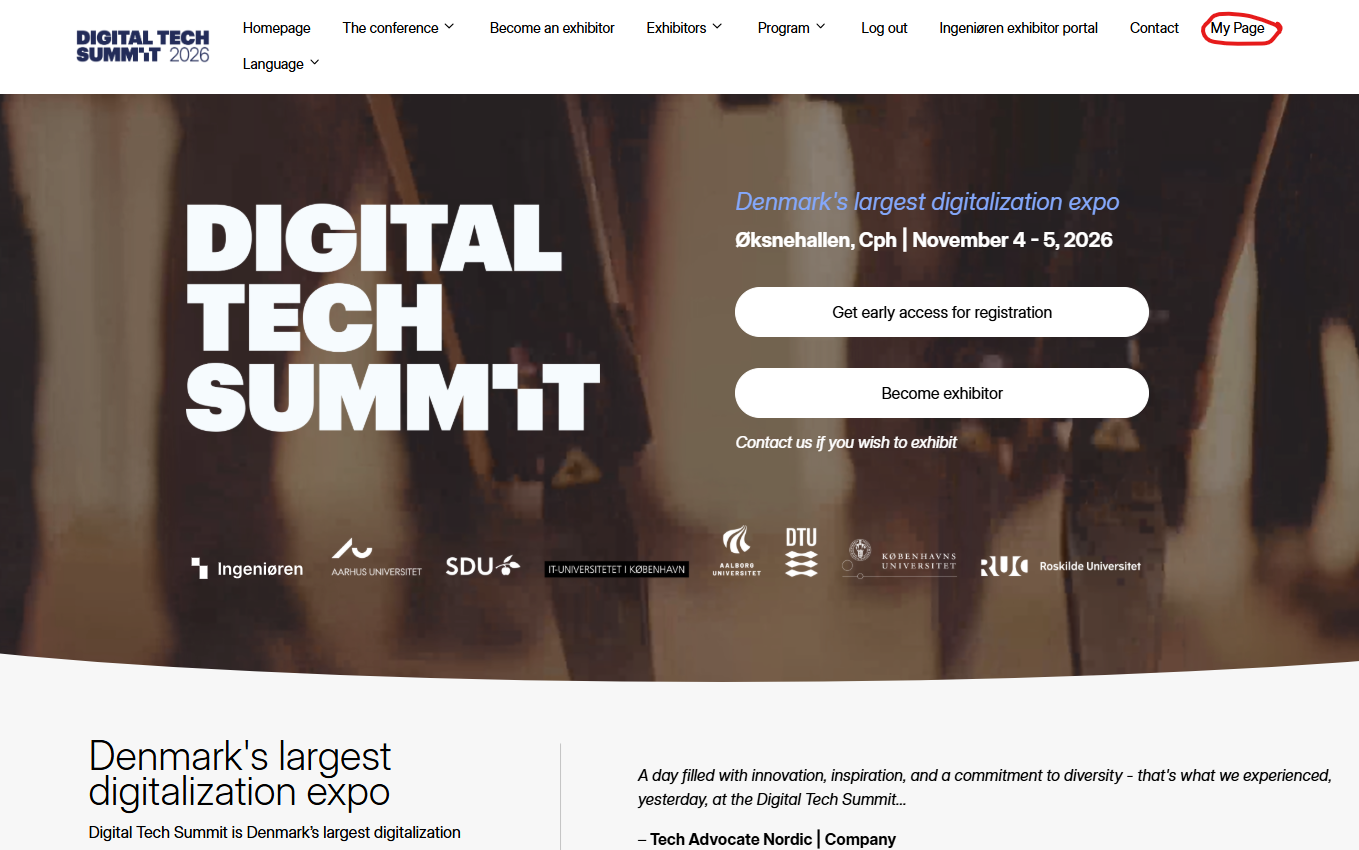
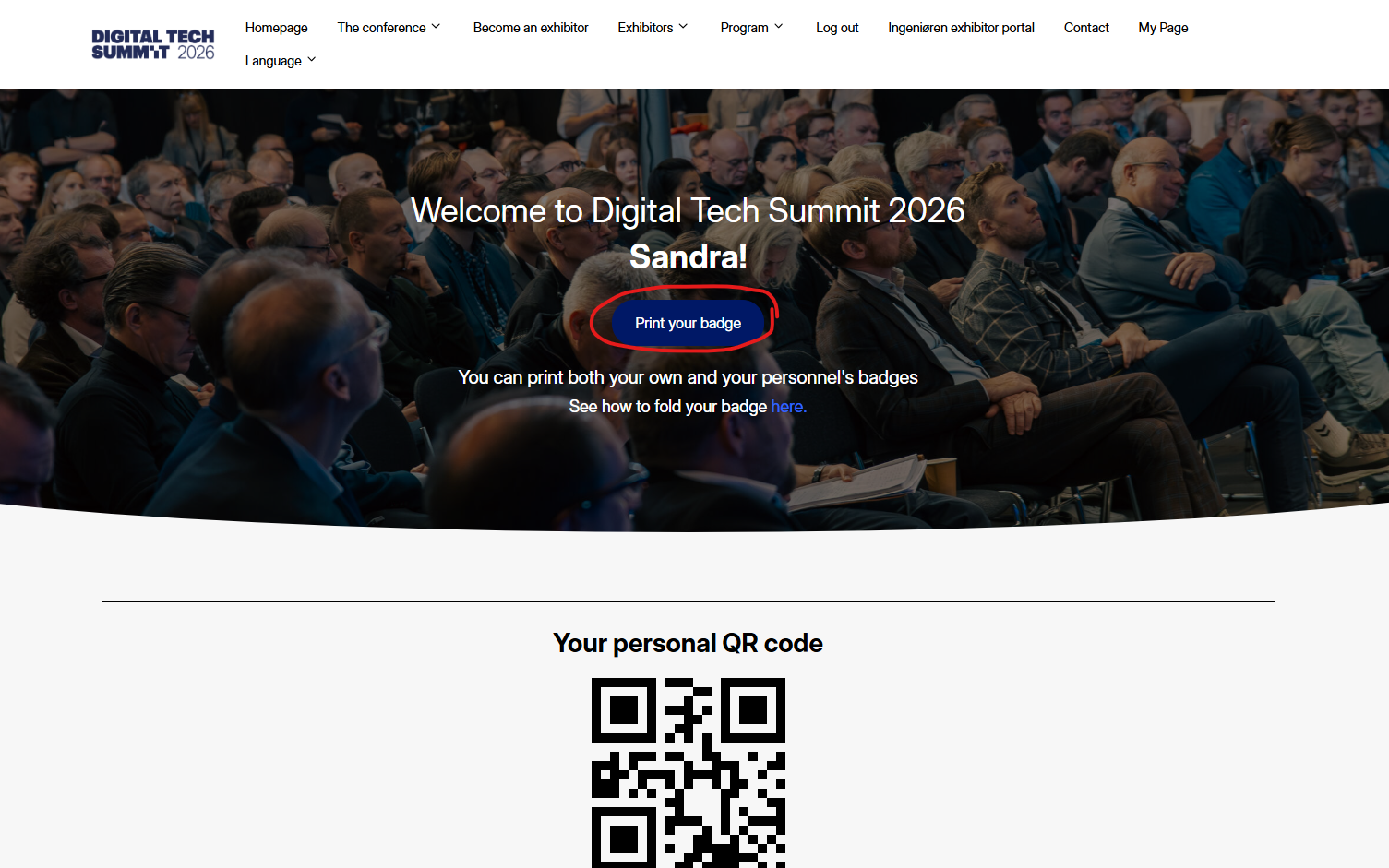
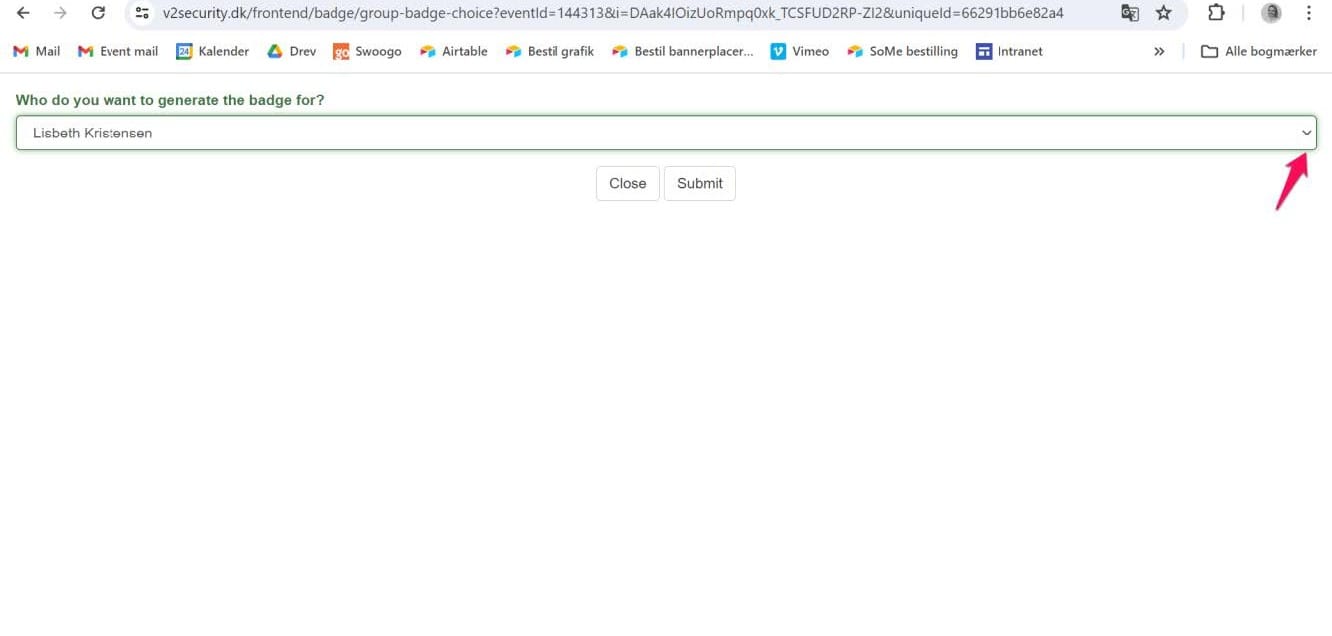
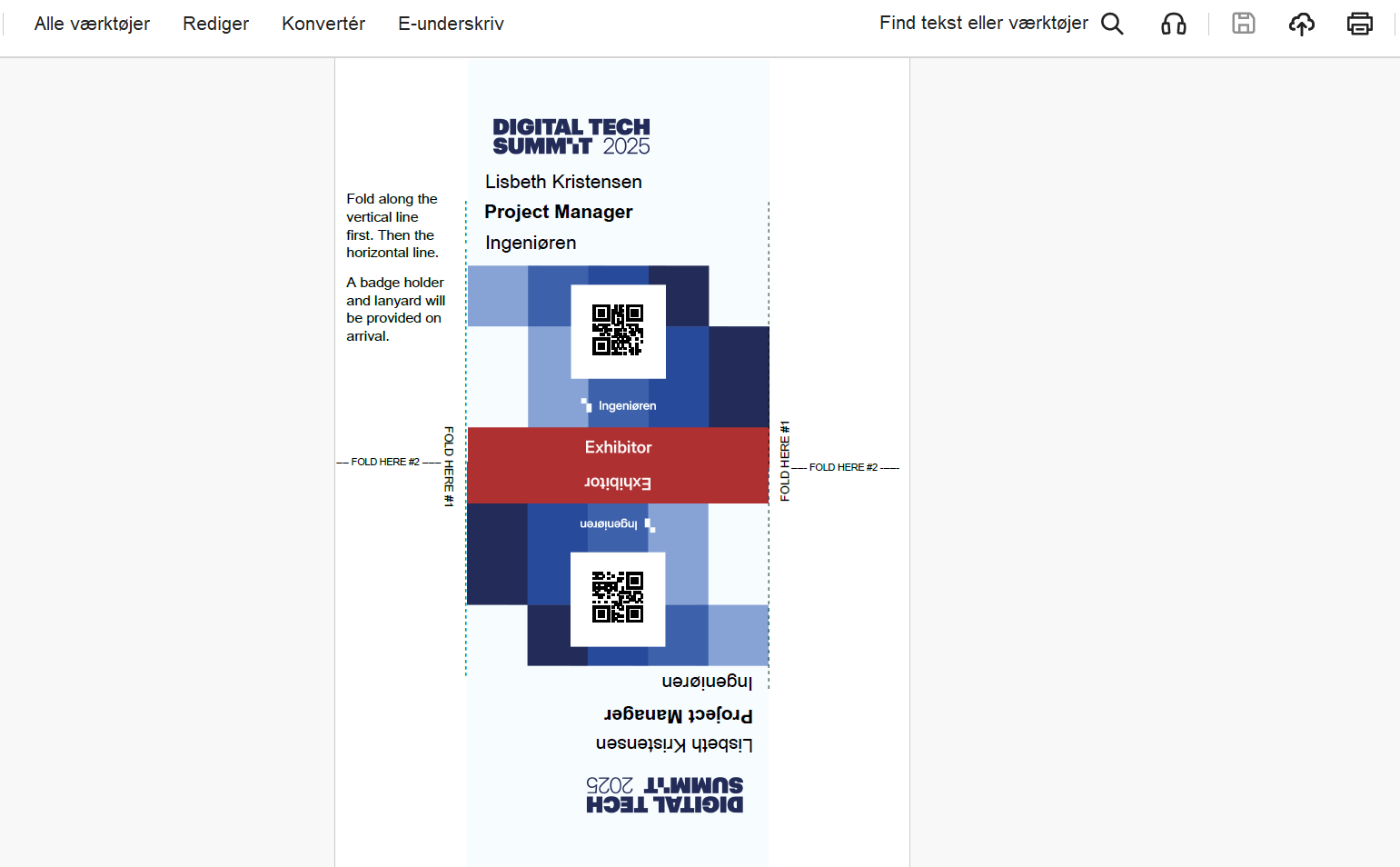
Digital Tech Summit: How do i print my badges Website 1. Go to the website www.digitaltechsummit.dk.2. Click on “Log in” in the top navigation bar. Go to website Log in Log in via Ingeniøren My page Click on “My page” in the navigation. Click button Click on the "print your badge" button. Generate badge Choose your own – or one of your colleagues – in the drop down menu and click “submit” to generate the badge. Print Print the badge.