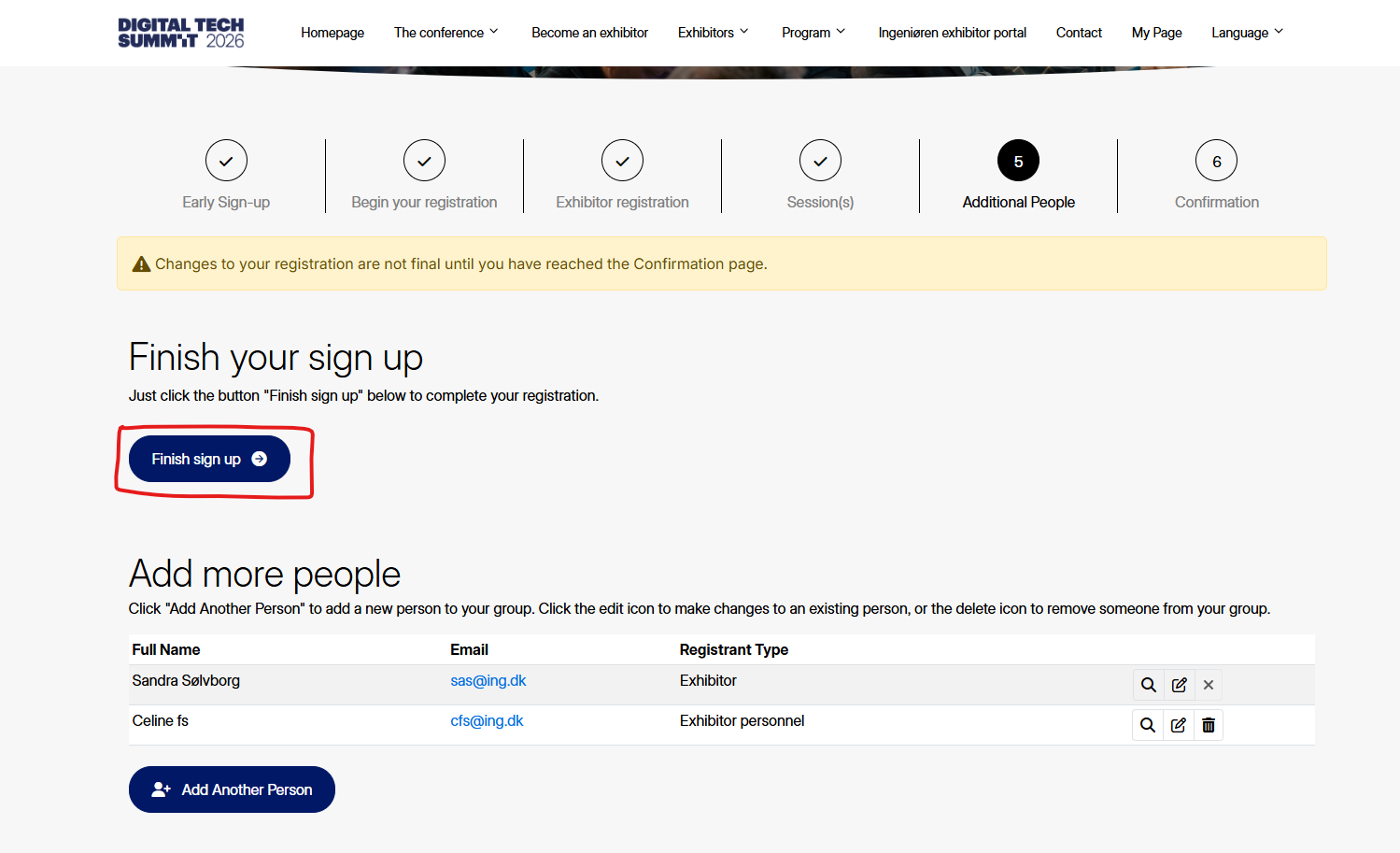
This guide only applies for the person handling the exhibitor profile, as other people will not be able to access this page.
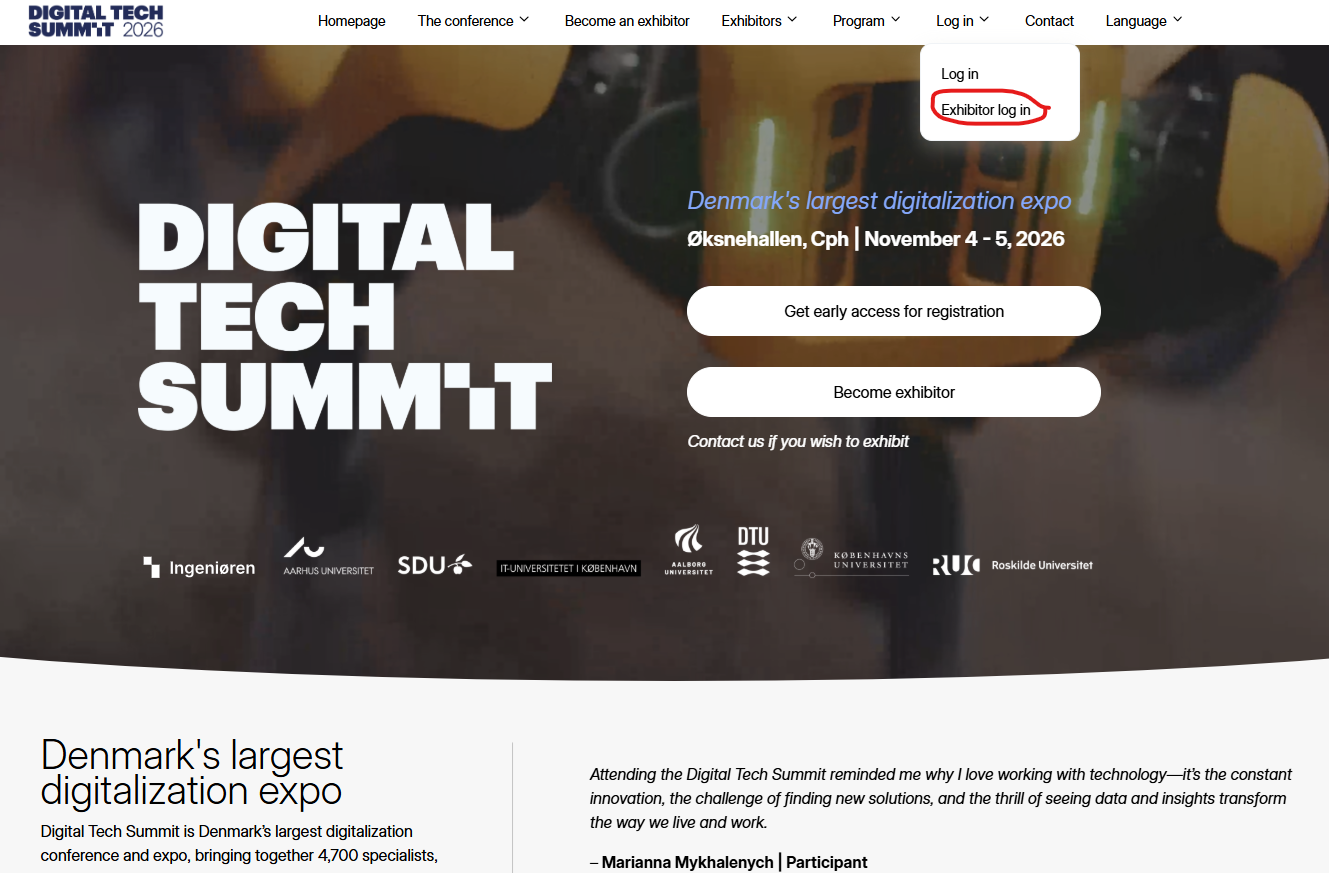
Website
Go to website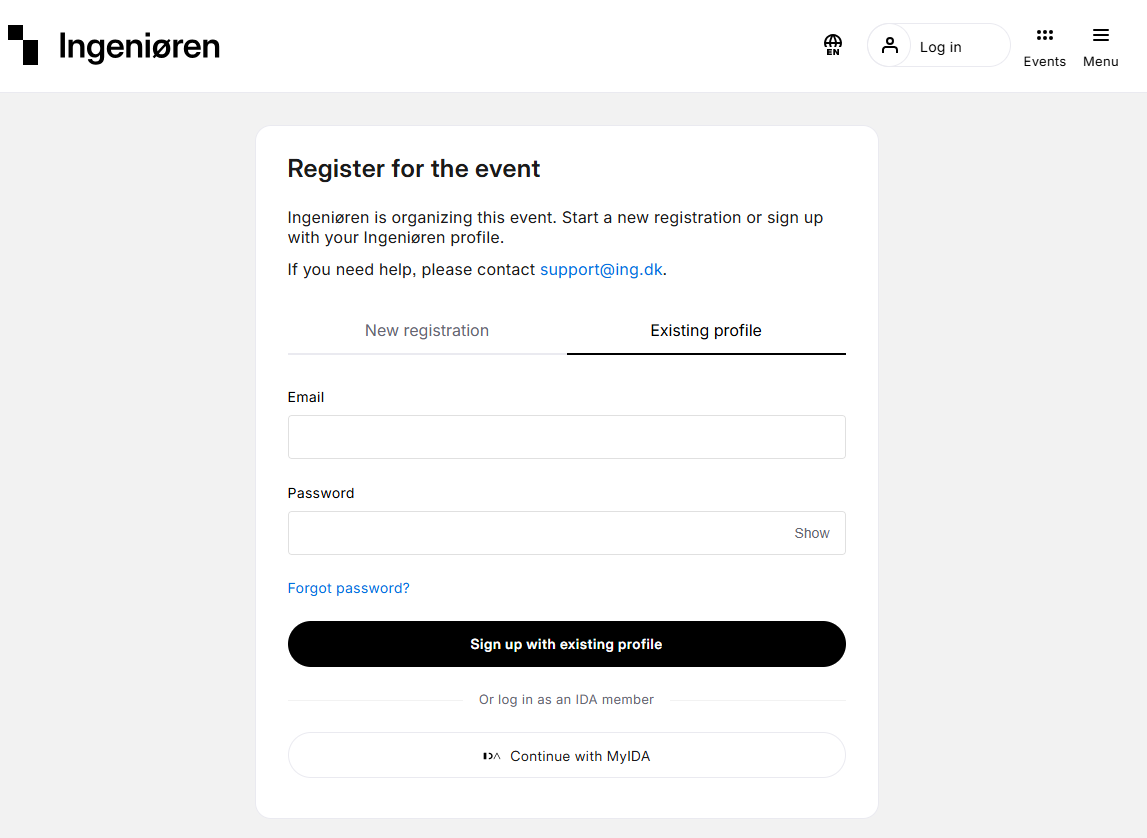
Log in
Log in via Ingeniøren
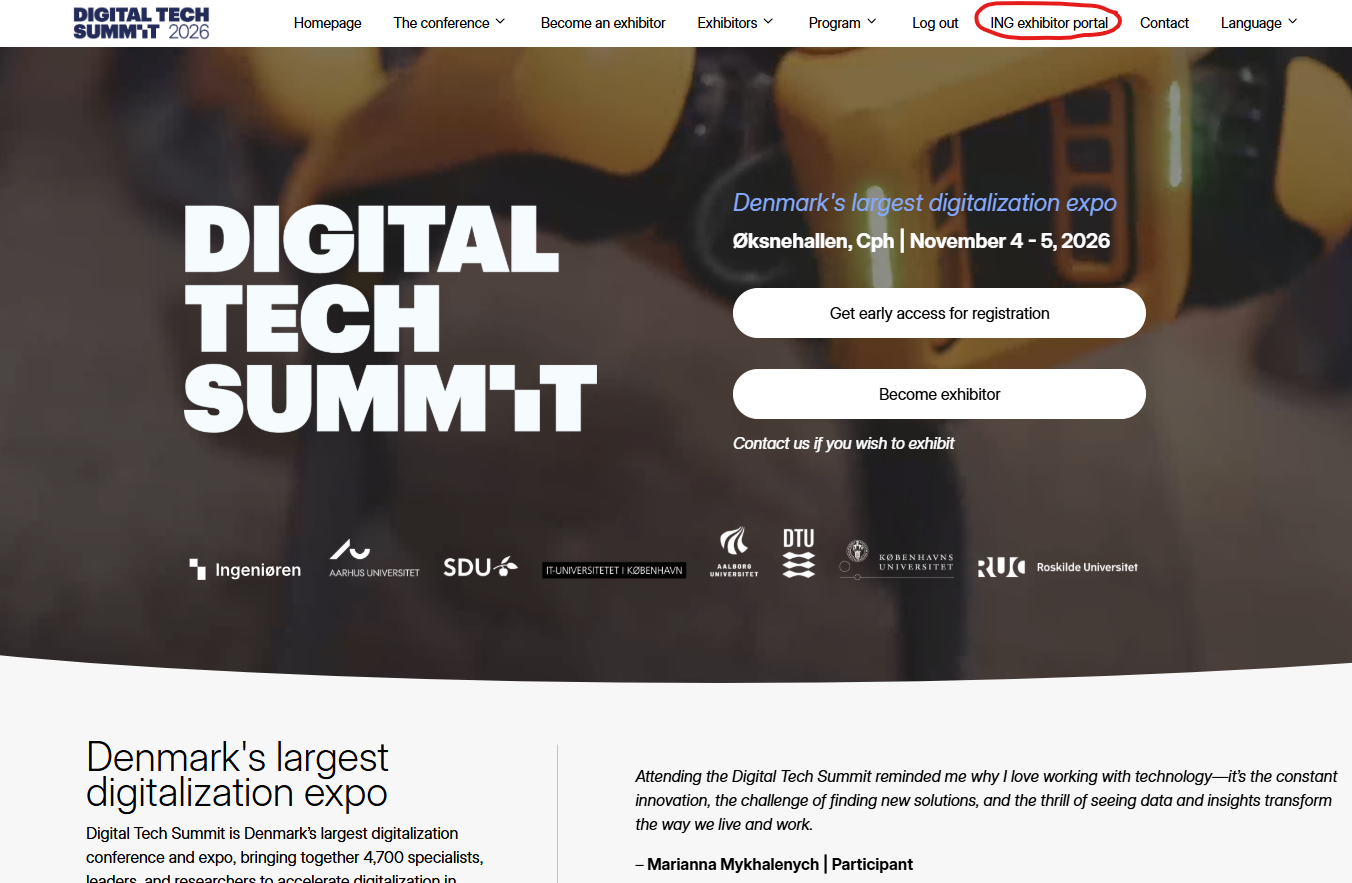
Exhibitor portal
When logged in go to “[Company name] exhibitor portal”.
Please note that the Exhibitor Portal is only accessible to the coordinator who registered your company.
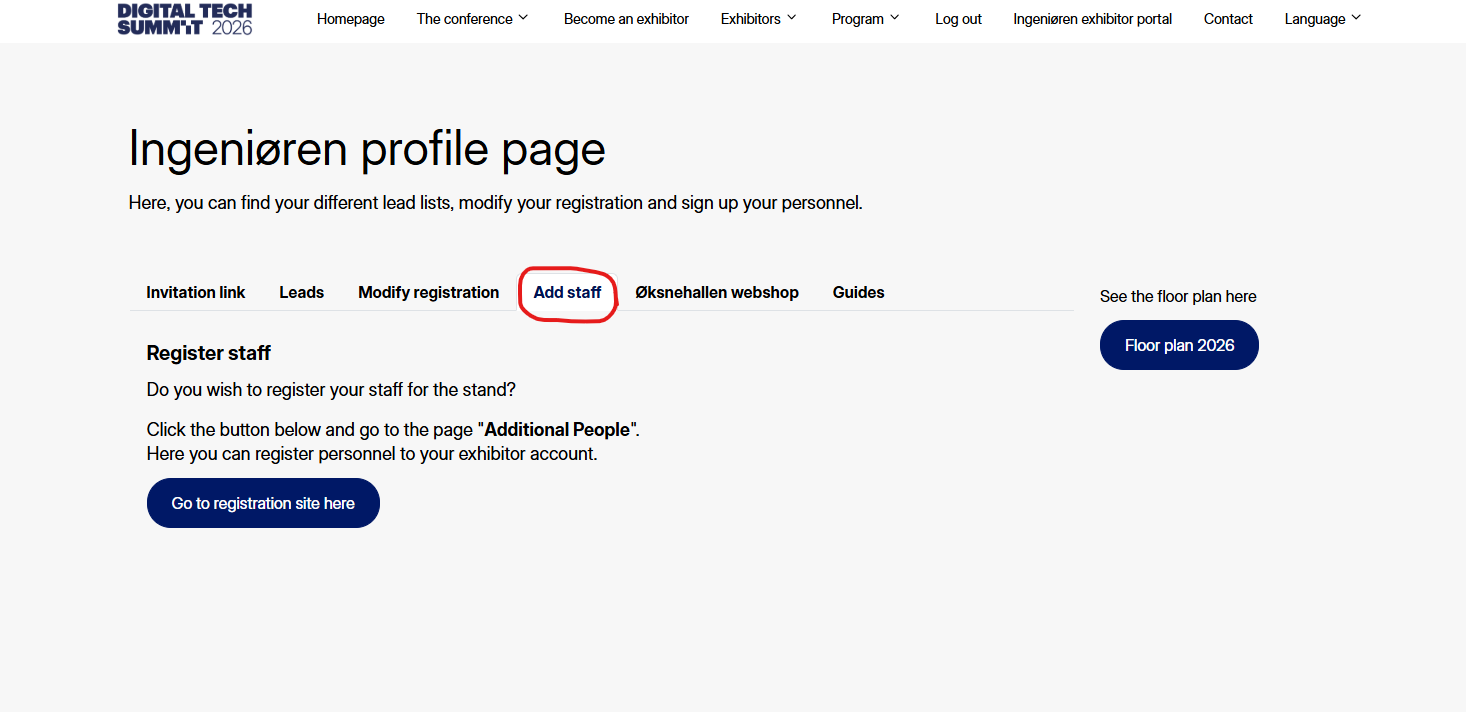
Add staff
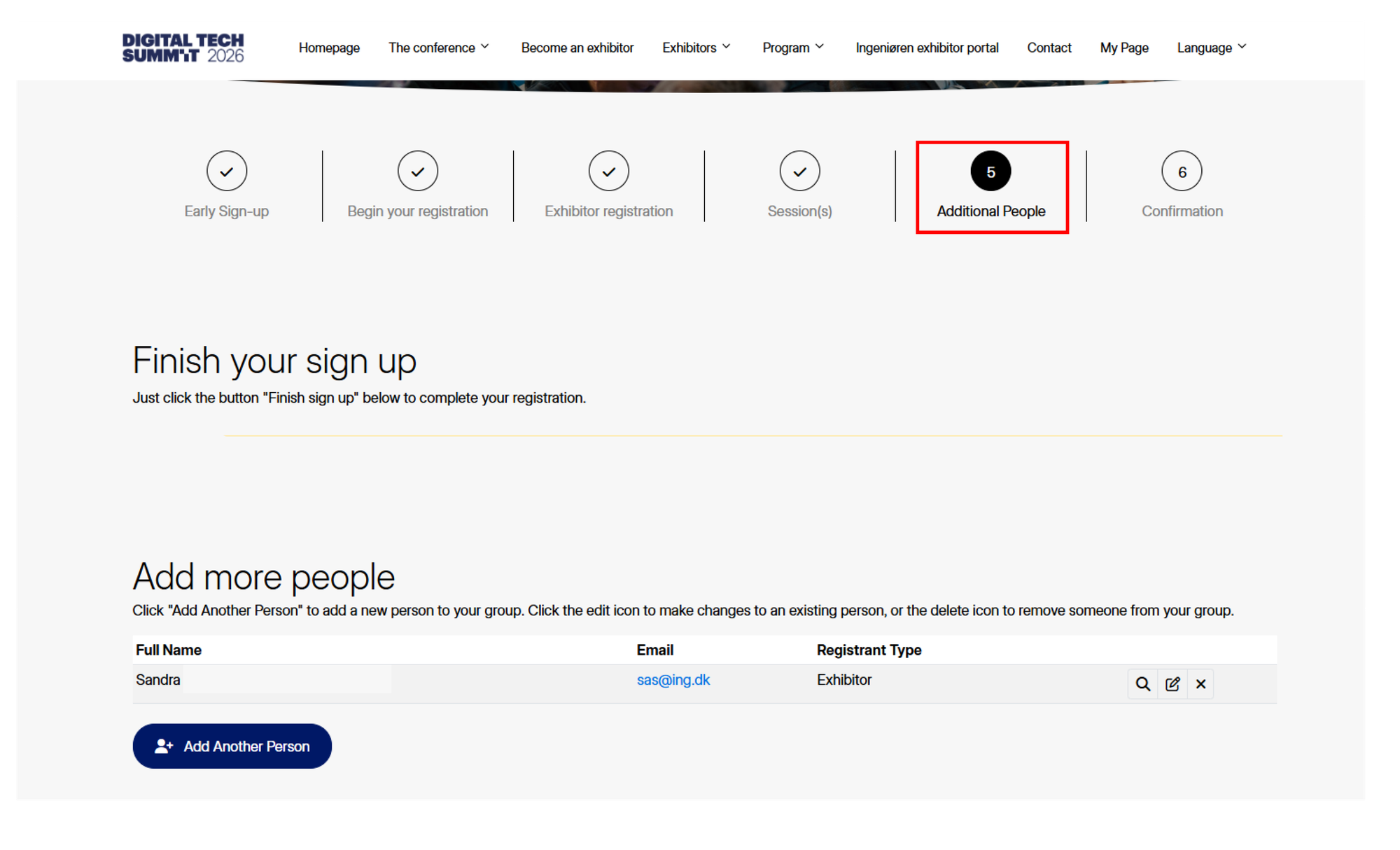
Additional people
Go to step "Additional people".
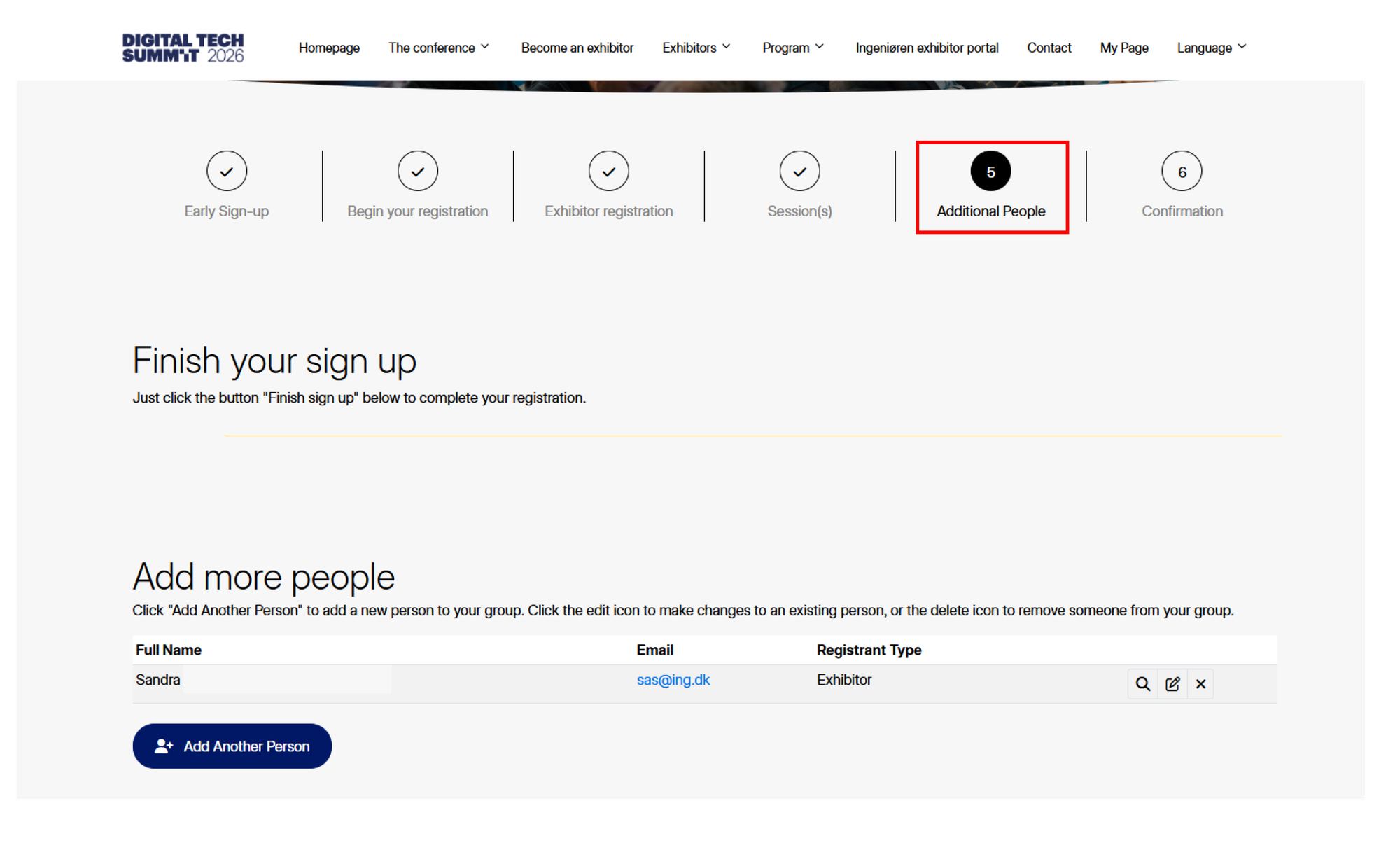
Add staff
Click “add new staff” and enter info on your colleague.