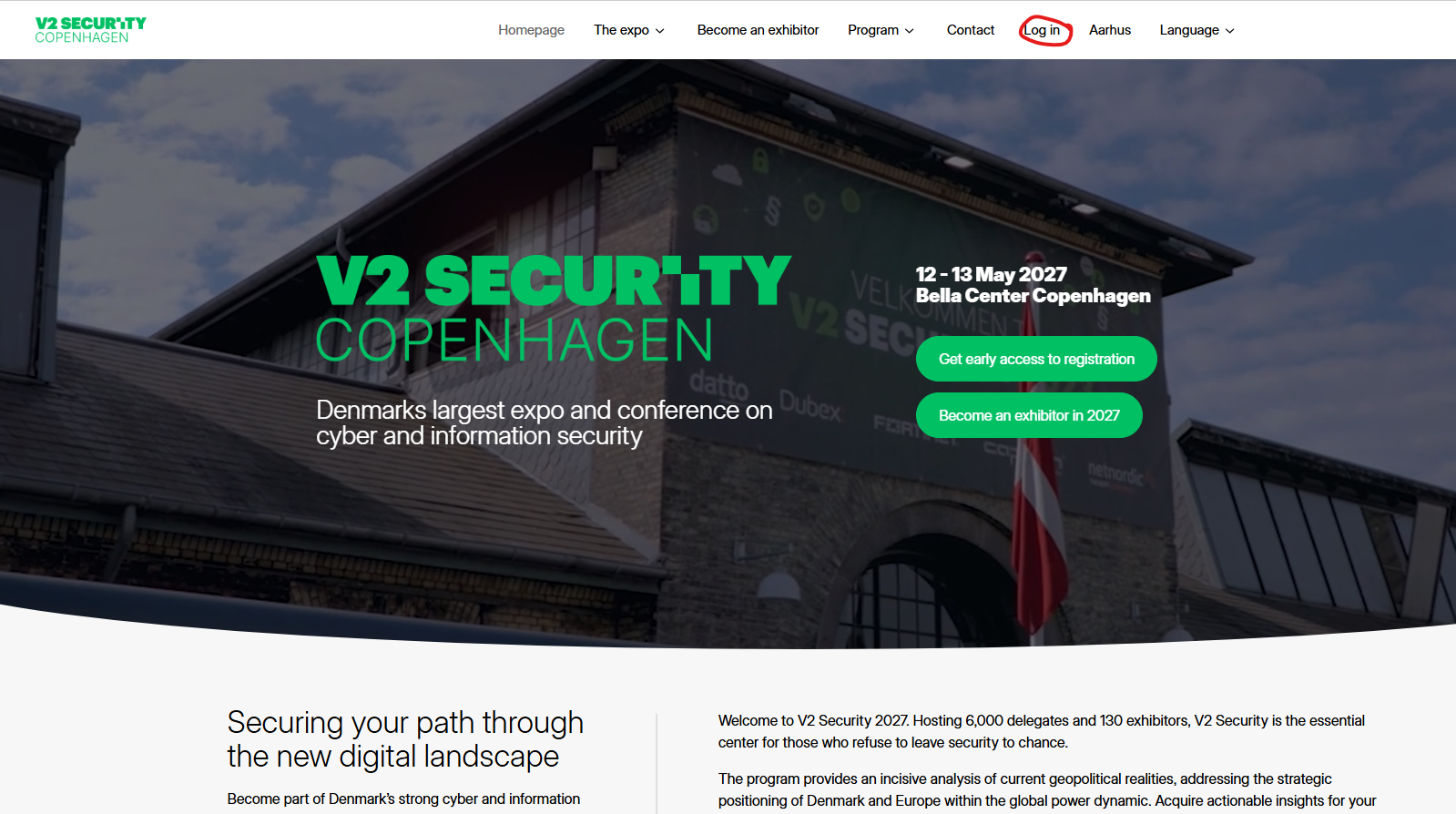
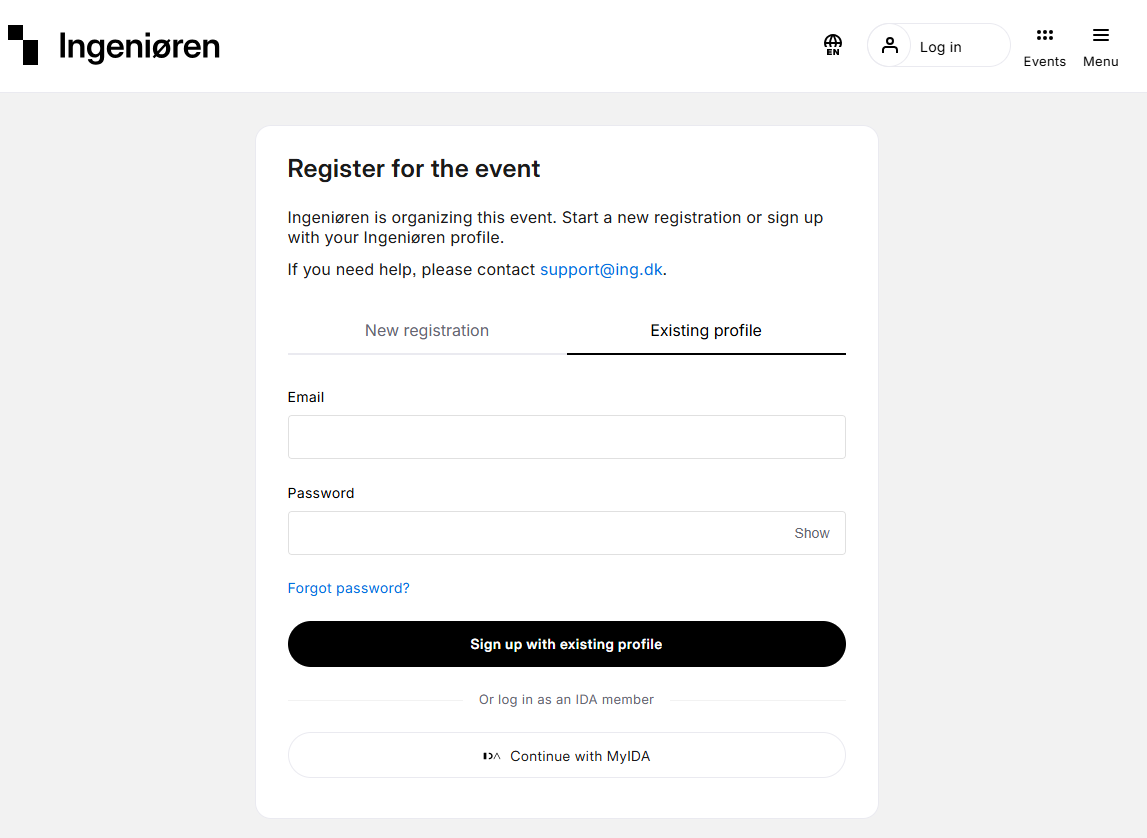
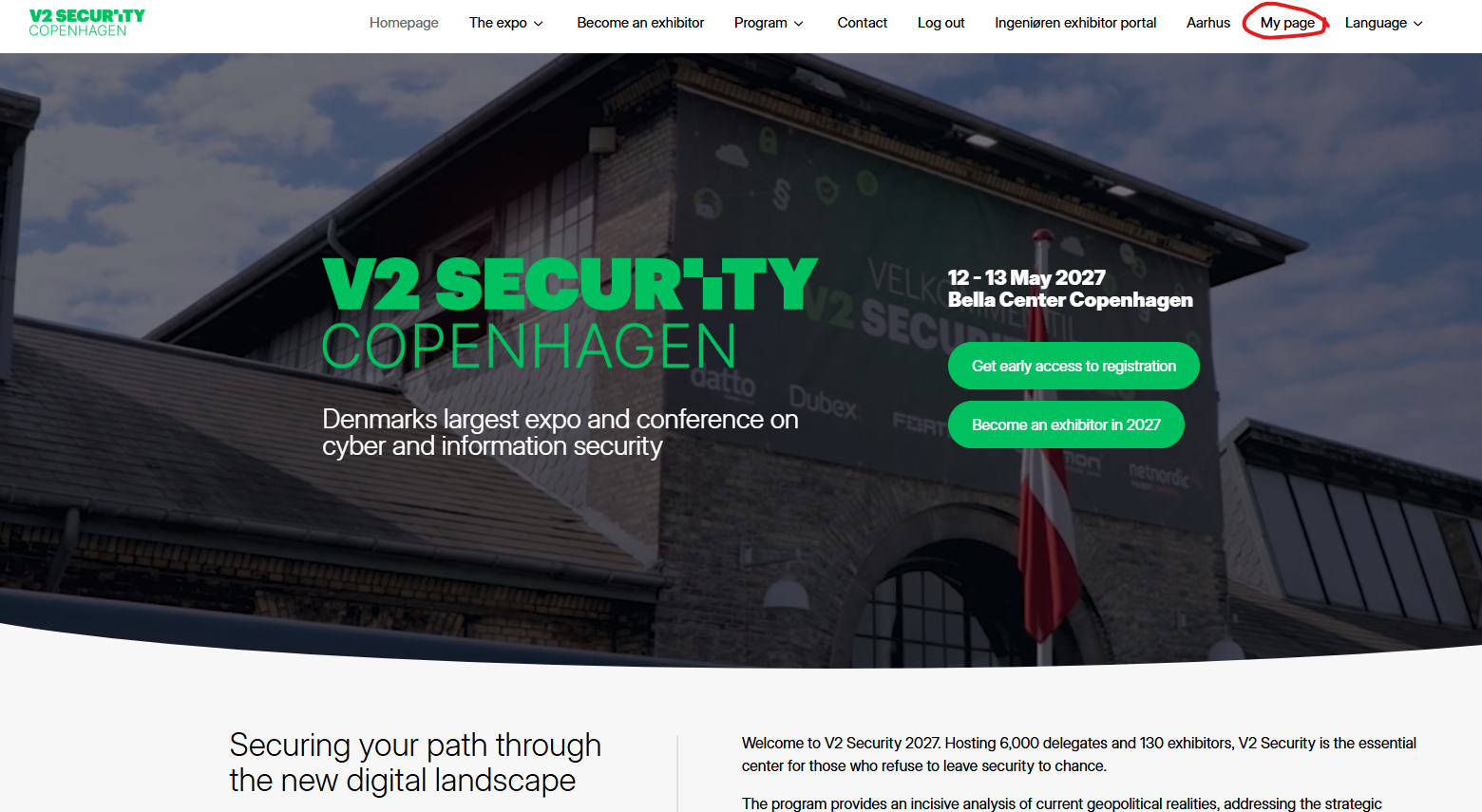
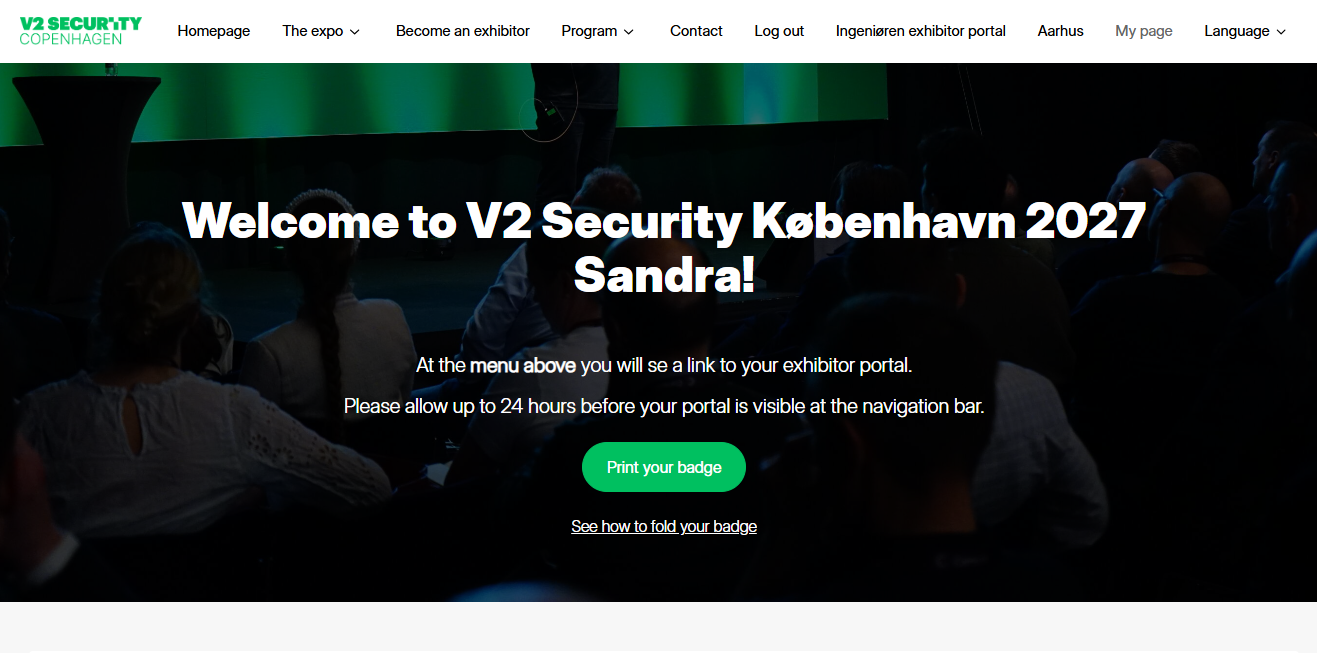
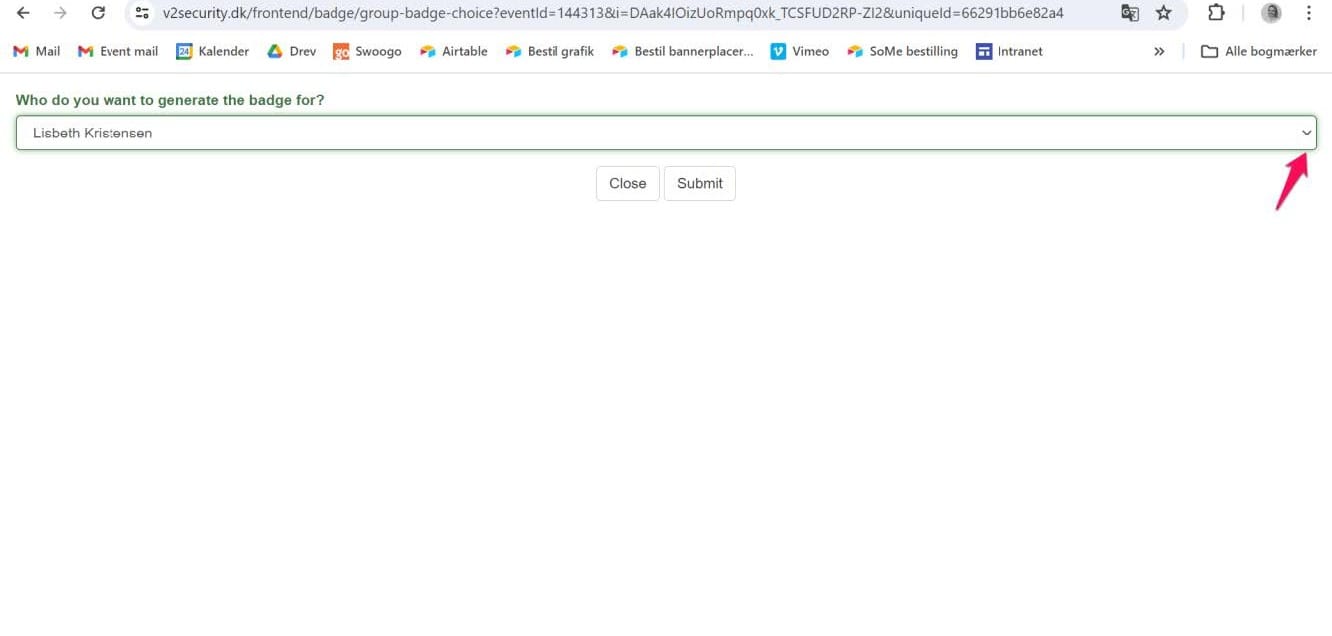
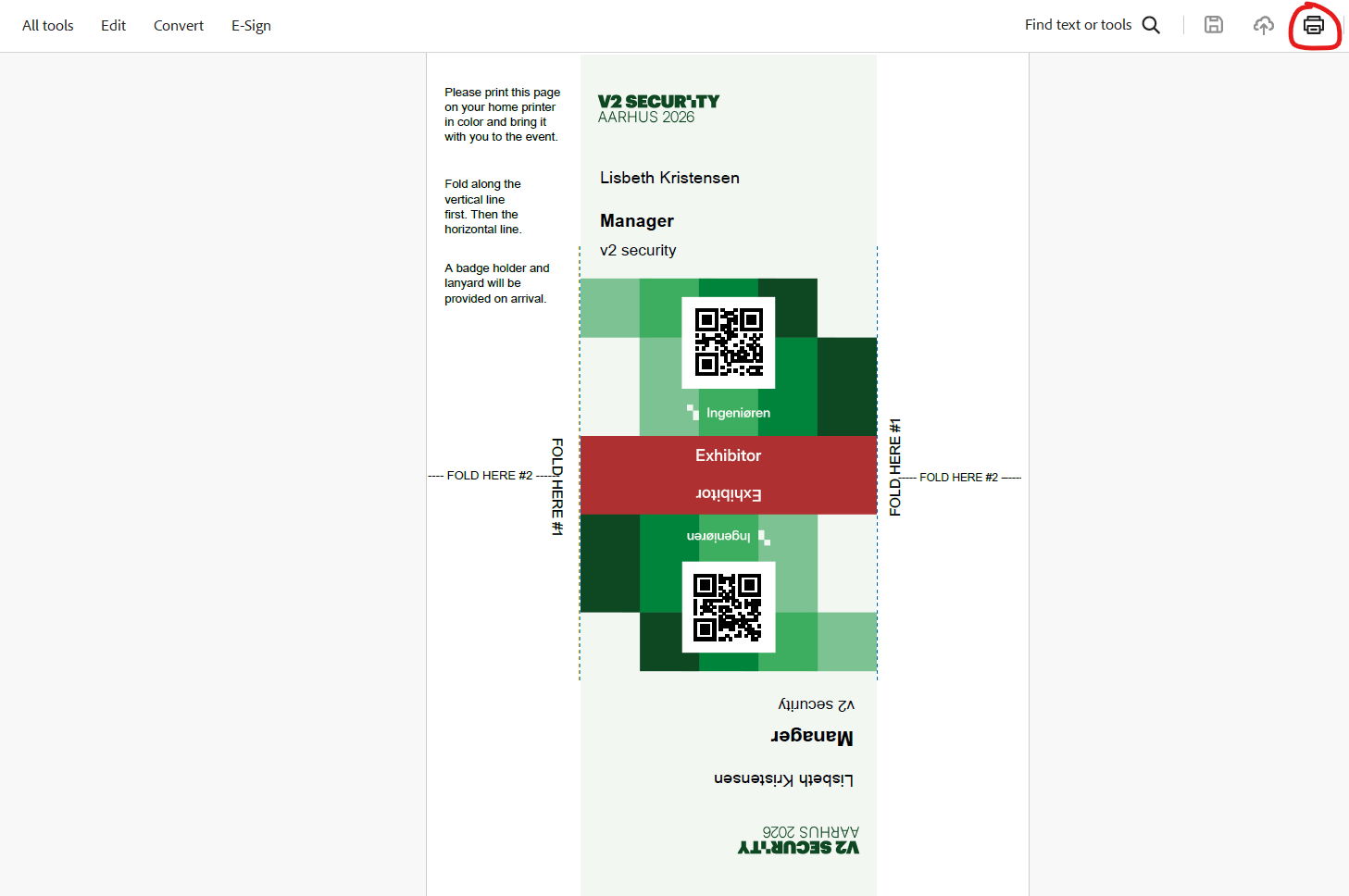
V2 Security Cph: How do i print my badges Website 1. Go to the website www.v2security.dk. Choose Copenhagen in the navigation bar. 2. Click on “Log in” in the top navigation bar. Go to website Log in Log in via Ingeniøren My page Go to "My page" in the navigation. Click button Click on “Print your badge”. Generate badge Choose your own – or one of your colleagues – in the drop down menu and click “submit” to generate the badge. Print Print the badge.